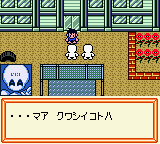
The game loads when you press Play · press “Play Now” inside the game if it asks.
Medarot 2 - Parts Collection (Japan)
Medarot 2 - Parts Collection
Medarot 2 - Parts Collection Overview
- Game Boy Color
- RPG
- Compilation
- 5· 0 votes
GAME INFO
- Platform
- Game Boy Color
- Genre
- RPG
- Players
- 1
- Region
- Japan
- Based on
- Medarot 2
More Medarot Games
Ready for another round? Explore more Medarot games and console editions. Choose a game below to play it on its own page.
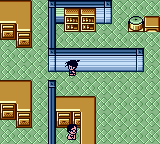
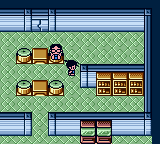
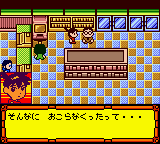
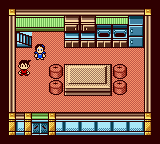
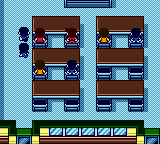
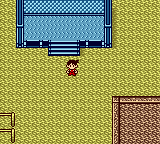
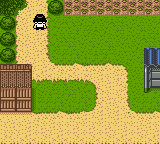
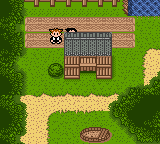
How to play Medarot 2 - Parts Collection online
Getting Started
Start by selecting a save file - if you have a Medarot 2 cartridge inserted via link cable, this game can read and write to it. The main screen shows a list of part slots; navigate using the D-Pad and confirm with X to view the parts you own. You can sort by type, stat, or alphabetically if you know Japanese.
The core activity is managing your part collection. You cannot battle directly here; instead, you examine parts, check compatibility with different Medarot bodies, and build theoretical loadouts. Use the Y and X buttons to switch between sorting views. If you want to send parts to Medarot 2, you must connect both games via a link cable and select the transfer option from the menu.
Because all text is in Japanese, start by memorizing common menu kanji or use a translation guide online. Focus on the part type icons (head, arm, leg, body) to navigate without reading everything. Save often if you are transferring parts, as the process can be finicky on real hardware or emulators.
CONTROLS
Controls
- Arrow Keys: D-Pad / Movement
- X: A button (jump / confirm)
- S: B button (run / attack / cancel)
- Enter: Start / Pause
- V: Select
Medarot 2 - Parts Collection FAQ
What type of game is Medarot 2 - Parts Collection?
It is a companion compilation for Medarot 2, focusing on collecting and managing robot parts rather than offering a full RPG adventure. Players can sort, view, and transfer parts between the two games via a link cable.
Is there anything iconic or memorable about Medarot 2 - Parts Collection?
The most notable feature is its seamless compatibility with Medarot 2, allowing direct part transfers that were rare for Game Boy Color RPG expansions. It also includes exclusive parts not found in the base game, making it a must-have for completionists.
Who developed Medarot 2 - Parts Collection?
The developer is not widely documented outside of Japan. Based on the series, it may have been handled by Natsume or Imagineer, but official confirmation is scarce. The publisher is also unclear for this specific compilation.
You may also like
All Game Boy Color games











GAME INFO
- Platform
- Game Boy Color
- Genre
- RPG
- Players
- 1
- Region
- Japan
- Based on
- Medarot 2
COMMENTS (0)
No comments yet. Be the first to share your thoughts.