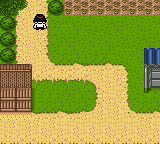
The game loads when you press Play · press “Play Now” inside the game if it asks.
Medarot 5 - Susutake Mura no Tenkousei - Kuwagata Version (Japan)
Medarot 5 - Susutake Mura no Tenkousei - Kuwagata Version
Medarot 5 - Susutake Mura no Tenkousei - Kuwagata Version on GBC
- Game Boy Color
- RPG
- 5· 0 votes
GAME INFO
- Platform
- Game Boy Color
- Genre
- RPG
- Released
- 2001
- Players
- 1
- Region
- Japan
More Medarot Games
Ready for another round? Explore more Medarot games and console editions. Choose a game below to play it on its own page.
How to play Medarot 5 - Susutake Mura no Tenkousei - Kuwagata Version online
Getting Started
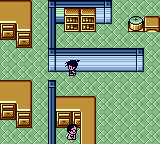
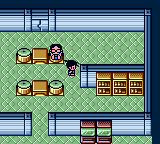
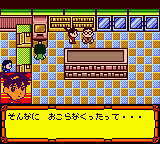
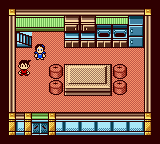
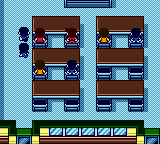
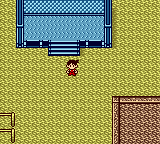
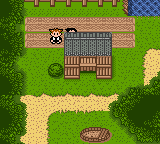
When you start the game, you'll be greeted with menus entirely in Japanese. The title screen offers New Game, Continue, and Options. Use the D-Pad to navigate and X to confirm. You assume the role of a transfer student arriving in Susutake Village, where you quickly get involved in robot battles. The core loop involves exploring the village and surrounding areas, talking to NPCs, and engaging in random encounters where you fight other Medarots.
Battles are turn-based. You control a team of up to three Medarots, each equipped with four parts (head, left arm, right arm, legs). Different parts grant different attacks and stats. You can customize your Medarots between battles by visiting shops or using the Parts Station menu. Winning battles earns experience points and sometimes new parts. The goal is to progress the story by completing quests and defeating rival Medarotters. Since the text is Japanese, some trial and error may be needed, but the menu icons are fairly intuitive once you learn a few key katakana patterns.
CONTROLS
Controls
- Arrow Keys: D-Pad / Movement
- X: A button (jump / confirm)
- S: B button (run / attack / cancel)
- Enter: Start / Pause
- V: Select
Medarot 5 - Susutake Mura no Tenkousei - Kuwagata Version FAQ
Is Medarot 5 - Susutake Mura no Tenkousei - Kuwagata Version exclusive to Game Boy Color or did it appear on other systems?
It was released exclusively for the Game Boy Color. No ports or re-releases on other platforms exist, though the Medarot series later appeared on Nintendo DS and Switch.
Which regions was Medarot 5 - Susutake Mura no Tenkousei - Kuwagata Version released in?
This game was only released in Japan. It never saw an official localization for North America or Europe.
Is Medarot 5 - Susutake Mura no Tenkousei - Kuwagata Version an official release, a fan hack, a prototype, or another kind of build?
It is an official commercial release from Imagineer. It is not a fan hack, prototype, or translation patch, though fan translations exist online.
You may also like
All Game Boy Color games











GAME INFO
- Platform
- Game Boy Color
- Genre
- RPG
- Released
- 2001
- Players
- 1
- Region
- Japan
COMMENTS (0)
No comments yet. Be the first to share your thoughts.