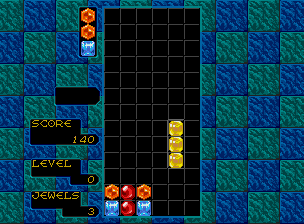
The game loads when you press Play · press “Play Now” inside the game if it asks.
Columns (Neo Geo) [Homebrew]
Columns
About Columns
GAME INFO
More Columns Games
Ready for another round? Explore more Columns games and console editions. Choose a game below to play it on its own page.
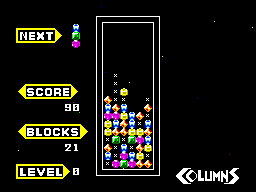

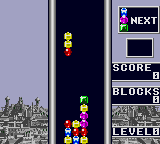
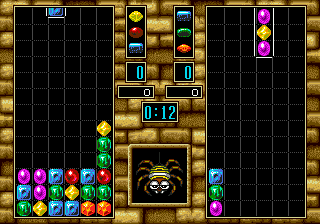
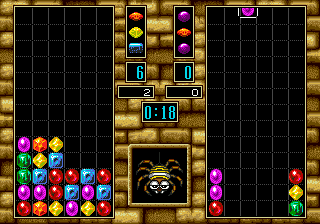
How to play Columns online
Getting Started
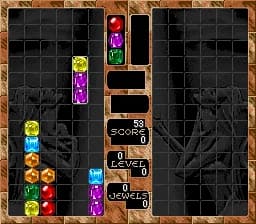
When you first boot up this homebrew, you'll see a title screen - press Start (Enter) to begin. The game immediately starts dropping columns of three colored gems. Use the Arrow Keys left and right to move the falling column, and the A button (X) or B button (S) to rotate the order of the gems within the column. You can also use the Up Arrow to instantly drop the column to the bottom. The goal is to line up three or more gems of the same color in any direction to make them disappear. If the stack reaches the top of the screen, it's game over.
The core loop is simple: each new column lands, and you try to set up chains by clearing gems. The game keeps track of your score and level, and every time you clear a certain number of gems, the speed increases. There's no two-player mode in this port, so it's strictly a solo high-score chase. The controls are responsive, so you'll be able to react quickly once you get used to the rotation and placement. Just keep an eye on the upcoming gem colors and plan ahead to avoid getting stuck.
CONTROLS
Controls
- Arrow Keys: Joystick / Movement
- X: Button 1
- S: Button 2
- Z: Button 3
- A: Button 4
- Q: Button 5
- E: Button 6
- Enter: Start / 1P
- V: Coin / Insert
Columns FAQ
Who developed Columns?
The original Columns was created by Jay Geertsen in 1989, initially for HP-UX workstations. This specific Neo Geo homebrew version was not made by Geertsen; it was ported by an independent developer or fan, though the exact person or team is not widely documented.
Is Columns exclusive to Arcade or did it appear on other systems?
Columns appeared on many platforms beyond arcade, including the Sega Genesis, Master System, Game Gear, and various home computers like the Amiga and Atari ST. The Neo Geo version is a homebrew port and was never an official SNK release.
What type of game is Columns?
It is a puzzle game, specifically a match-three tile-matching game. Players rotate and place falling columns of three different colored gems to form lines of three or more matching gems, causing them to disappear and prevent the screen from filling up.












COMMENTS (0)
No comments yet. Be the first to share your thoughts.