CHOOSE A VERSION
3 versions · same consoleChoose an original release, regional version, revision, bootleg or clearly labelled ROM hack/mod, then press Play. Hacks may change the gameplay. Switching versions restarts the player.
- Default · World
- ROM hack / mod · Mortal Kombat II (World) [Hack by Smoke v0.70] (~Mortal Kombat II Unlimited)
- ROM hack / mod · Mortal Kombat II Unlimited - Enhanced Colors
Selected: Default · World · USA, Europe

The game loads when you press Play · press “Play Now” inside the game if it asks.
Mortal Kombat II (World)
Mortal Kombat II
About Mortal Kombat II
- SEGA Genesis
- Fighting
- 5· 0 votes
GAME INFO
- Platform
- SEGA Genesis
- Genre
- Fighting
- Developer
- Midway Games
- Released
- 1994
- Players
- 1-2
- Region
- USA, Europe
More Mortal Kombat Games
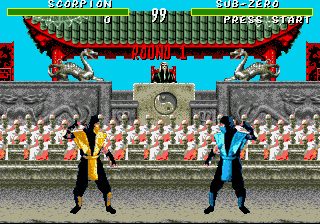
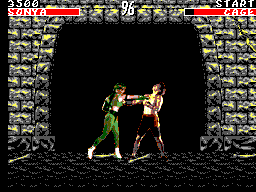
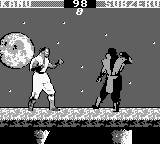
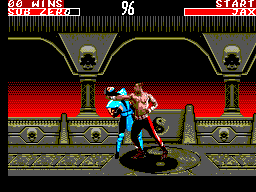
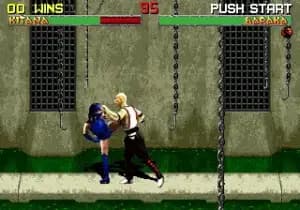
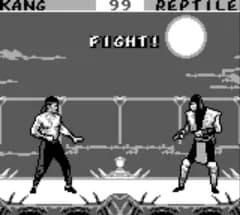
Ready for another round? Explore more Mortal Kombat games and console editions. Choose a game below to play it on its own page.
How to play Mortal Kombat II online
Getting Started
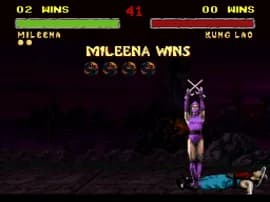
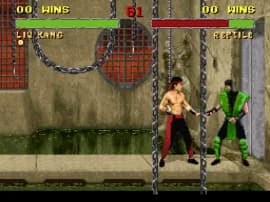
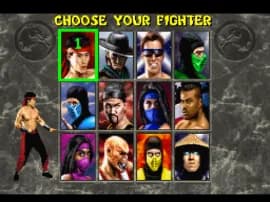
When you start Mortal Kombat II, you first see the title screen and press Enter to proceed. At the character select screen, press Arrow Keys to move the cursor over one of the twelve fighters and press X to confirm your choice. You then begin a three-round match (first to two wins) against an opponent controlled by the AI or a second player.
The core loop is simple: you and your opponent start on opposite sides of the screen. Use the D-Pad to move forward, backward, and crouch. Press S for a basic punch or kick, and Z for a different attack. Experiment with directional inputs combined with buttons to pull off special moves - for example, down-forward + punch for a projectile. The goal is to deplete the opponent's health bar before they deplete yours. If you win the match, you advance to the next fighter and eventually face the final boss.
New players should practice basic attacks and blocking (hold away from the opponent) first. Each character has a unique set of special moves and an iconic Fatality that ends the match in graphic fashion. The game keeps a running score and offers a tournament mode for two players. Don't rush - learning one character well is better than trying everyone at once.
CONTROLS
Controls
- Arrow Keys: D-Pad / Movement
- X: A button
- S: B button
- Z: C button
- A: X button (6-button pad)
- Q: Y button (6-button pad)
- E: Z button (6-button pad)
- Enter: Start / Mode
Mortal Kombat II FAQ
What makes Mortal Kombat II stand out among SEGA Genesis titles of its era?
Its digitized graphics captured from real actors gave it a cinematic look that few other Genesis games matched. The refined combat engine and addition of iconic characters like Kitana and Shang Tsung made it a landmark fighting game on the platform.
Which regions was Mortal Kombat II released in?
The Genesis version saw release in North America and Europe. A Japanese version was released for other platforms but the Genesis port was primarily aimed at Western audiences.
In what year was Mortal Kombat II originally released?
The arcade original debuted in 1993, and the SEGA Genesis port followed in 1994. This home conversion brought the arcade experience to consoles just a year after the original hit arcades.
You may also like
All SEGA Genesis games











GAME INFO
- Platform
- SEGA Genesis
- Genre
- Fighting
- Developer
- Midway Games
- Released
- 1994
- Players
- 1-2
- Region
- USA, Europe
COMMENTS (0)
No comments yet. Be the first to share your thoughts.