The game loads when you press Play · press “Play Now” inside the game if it asks.
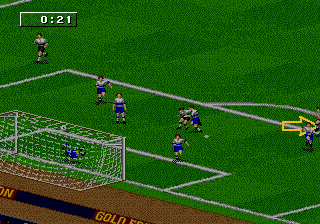
FIFA Soccer 97 (USA, Europe) (En,Fr,De,Es,It,Sv)
FIFA Soccer 97
About FIFA Soccer 97
- SEGA Genesis
- Sports
- 5· 0 votes
GAME INFO
- Platform
- SEGA Genesis
- Genre
- Sports
- Publisher
- EA Sports
- Developer
- EA Vancouver
- Released
- 1996
- Players
- 1-2
- Region
- USA, Europe
More FIFA Soccer Games
Ready for another round? Explore more FIFA Soccer games and console editions. Choose a game below to play it on its own page.
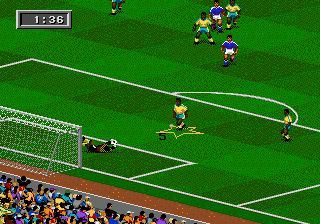
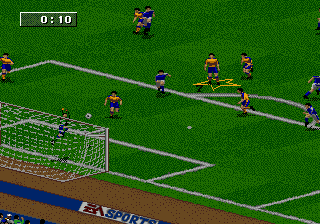
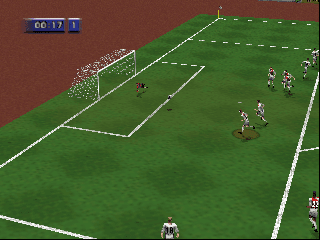

How to play FIFA Soccer 97 online
CONTROLS
Controls
- Arrow Keys: D-Pad / Movement
- X: A button
- S: B button
- Z: C button
- A: X button (6-button pad)
- Q: Y button (6-button pad)
- E: Z button (6-button pad)
- Enter: Start / Mode
FIFA Soccer 97 FAQ
Can players save progress in FIFA Soccer 97?
The cartridge lacks a battery backup, so you cannot save your progress. Some tournament or season modes may provide a password system to continue later, but you need to write those codes down manually.
What type of game is FIFA Soccer 97?
It is a sports simulation focused on association football, specifically the fourth entry in Electronic Arts' FIFA series. You control a team across matches with realistic rules and physics for the era.
Is FIFA Soccer 97 an official release, a fan hack, a prototype, or another kind of build?
It is an official commercial release from EA Sports, sold in stores for the Sega Genesis in 1996. No modifications or unofficial builds exist in the version referenced here.
You may also like
All SEGA Genesis games











GAME INFO
- Platform
- SEGA Genesis
- Genre
- Sports
- Publisher
- EA Sports
- Developer
- EA Vancouver
- Released
- 1996
- Players
- 1-2
- Region
- USA, Europe
COMMENTS (0)
No comments yet. Be the first to share your thoughts.