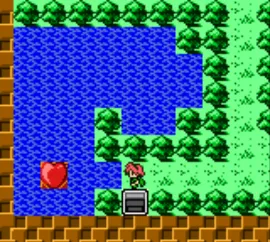
The game loads when you press Play · press “Play Now” inside the game if it asks.
Little Magic (Japan) [En by Some Good Shit v1.0]
Little Magic
About Little Magic
- Game Boy Color
- Puzzle
- Translation
- 5· 0 votes
Unofficial fan translation. The notes below come from community sources and have not been verified against the patch itself, so levels, mechanics and features may differ from what is described.
GAME INFO
- Platform
- Game Boy Color
- Genre
- Puzzle
- Region
- Japan
- Version
- v1.0
- Based on
- Little Magic
- Made by
- Some Good Shit
How to play Little Magic online
CONTROLS
Controls
- Arrow Keys: D-Pad / Movement
- X: A button (jump / confirm)
- S: B button (run / attack / cancel)
- Enter: Start / Pause
- V: Select
Little Magic FAQ
Who developed Little Magic?
The original developer of Little Magic is not widely documented in English sources. The English translation patch was created by the group Some Good Shit.
What type of game is Little Magic?
It is a tile-matching puzzle game for the Nintendo Game Boy Color. Players swap adjacent tiles to form matching patterns and progress through levels.
Can players save progress in Little Magic?
It is unclear if the original game includes a save feature or password system. Many Game Boy Color puzzle games used passwords, but without confirmed documentation, assume you may need to finish a session in one sitting.
You may also like
All Game Boy Color games











GAME INFO
- Platform
- Game Boy Color
- Genre
- Puzzle
- Region
- Japan
- Version
- v1.0
- Based on
- Little Magic
- Made by
- Some Good Shit
COMMENTS (0)
No comments yet. Be the first to share your thoughts.