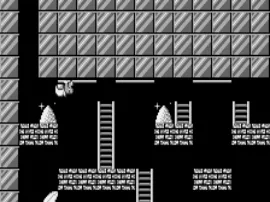
The game loads when you press Play · press “Play Now” inside the game if it asks.
Lode Runner (J) [M]
Lode Runner
Lode Runner: WS Puzzle
- WonderSwan
- Puzzle
- 5· 0 votes
GAME INFO
- Platform
- WonderSwan
- Genre
- Puzzle
- Players
- 1
- Region
- Japan
More Lode Runner Games
Ready for another round? Explore more Lode Runner games and console editions. Choose a game below to play it on its own page.
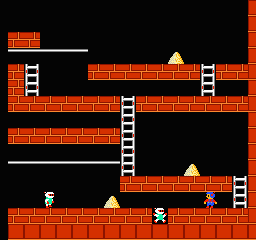


How to play Lode Runner online
CONTROLS
Controls
- Arrow Keys: D-Pad / Movement
- X: A button
- S: B button
- Enter: Start
- V: Sound
Lode Runner FAQ
Can players save progress in Lode Runner?
The WonderSwan version of Lode Runner does not appear to include a save feature. Progress is typically limited to completing levels in one session, though some ports offer level passwords. Without confirmation, it's safest to assume no saving is available.
Is Lode Runner exclusive to WonderSwan or did it appear on other systems?
Lode Runner is far from exclusive to WonderSwan. It originally released on Apple II, Commodore 64, and many other home computers in 1983. It has since been ported to numerous platforms including NES, Game Boy, and modern consoles. The WonderSwan version is just one of many ports.
Who developed Lode Runner?
The original Lode Runner was developed by Doug Smith. The WonderSwan port was handled by an unknown developer - I couldn't find reliable credit for that specific version. The game's design and mechanics remain true to Smith's original work.
You may also like
All WonderSwan games Digimon Adventure 02 - D1 Tamers
 Alchemist Marie & Elie - Futari no Atelier
 Dragonball
 Uchuu Senkan Yamato
 Hunter X Hunter - Greed Island
 Pocket Fighter
 Digimon Digital Monsters - Anode & Cathode Tamer - Veedramon Version
 Puzzle Bobble
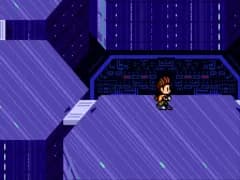 Digimon Tamers - Brave Tamer
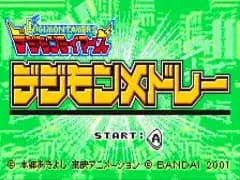 Digimon Tamers - Digimon Medley
 From TV Animation - One Piece - Niji no Shima Densetsu
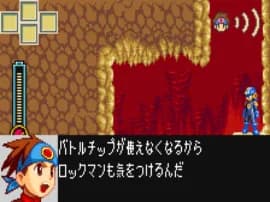 Rockman EXE WS
GAME INFO
- Platform
- WonderSwan
- Genre
- Puzzle
- Players
- 1
- Region
- Japan
COMMENTS (0)
No comments yet. Be the first to share your thoughts.