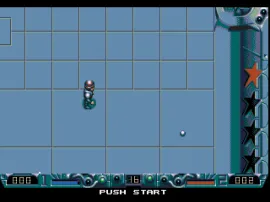
The game loads when you press Play · press “Play Now” inside the game if it asks.
Speedball 2 - Brutal Deluxe (USA)
Speedball 2 - Brutal Deluxe
Speedball 2 - Brutal Deluxe on Genesis
- SEGA Genesis
- Sports
- 5· 0 votes
GAME INFO
- Platform
- SEGA Genesis
- Genre
- Sports
- Released
- 1992
- Players
- 1-2
- Region
- USA
More Speedball Games
Ready for another round? Explore more Speedball games and console editions. Choose a game below to play it on its own page.
How to play Speedball 2 - Brutal Deluxe online
CONTROLS
Controls
- Arrow Keys: D-Pad / Movement
- X: A button
- S: B button
- Z: C button
- A: X button (6-button pad)
- Q: Y button (6-button pad)
- E: Z button (6-button pad)
- Enter: Start / Mode
Speedball 2 - Brutal Deluxe FAQ
Who developed Speedball 2 - Brutal Deluxe?
The Bitmap Brothers developed the original game and its Genesis port. They are known for other classic titles like The Chaos Engine and Xenon 2.
Is there anything iconic or memorable about Speedball 2 - Brutal Deluxe?
The game is famous for its digitized speech, especially the iconic "Ice cream! Ice cream!" call from the arena announcer. Its combination of sports and extreme violence also made it stand out.
Is Speedball 2 - Brutal Deluxe exclusive to SEGA Genesis or did it appear on other systems?
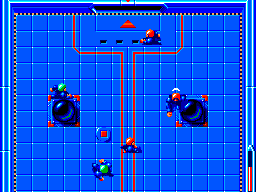
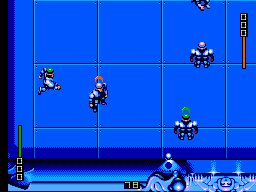
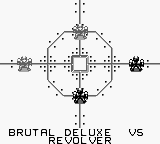
It originally debuted on the Amiga in 1990 and was ported to several platforms, including the SEGA Genesis, Game Boy, and Atari ST. The Genesis version is one of the more popular console ports.
You may also like
All SEGA Genesis games











GAME INFO
- Platform
- SEGA Genesis
- Genre
- Sports
- Released
- 1992
- Players
- 1-2
- Region
- USA
COMMENTS (0)
No comments yet. Be the first to share your thoughts.