The game loads when you press Play · press “Play Now” inside the game if it asks.
Contra - The Alien Wars (USA)
Contra - The Alien Wars
Contra - The Alien Wars on GB
- Game Boy
- Run and Gun
- 5· 0 votes
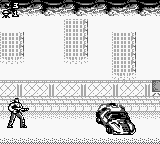
Contra - The Alien Wars (USA) is a run and gun game released for the Game Boy. Developed by Konami, it is part of the long-standing Contra franchise, known for its fast-paced action and cooperative gameplay. This title came out during the early 90s, a time when handheld gaming was becoming increasingly popular, and it reflects the classic run and gun genre that defined the era.
In this game, players control a soldier as they navigate through various levels filled with enemies and obstacles. The objective is to defeat foes using a variety of weapons while avoiding enemy fire. The gameplay is characterized by its side-scrolling mechanics, where players must jump, shoot, and strategize to progress through each stage, culminating in challenging boss battles.
What makes Contra - The Alien Wars worth playing today is its nostalgic value and the cooperative gameplay it offers. While it may not have the depth of some modern titles, it captures the essence of classic arcade action. Compared to other games of its time, it stands out for its straightforward mechanics and the thrill of two-player mode, making it a fun experience for fans of retro gaming and newcomers alike.
GAME INFO
- Platform
- Game Boy
- Genre
- Run and Gun
- Released
- 1994
- Players
- 1-2
- Region
- USA
More Contra Games
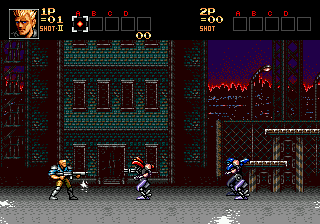
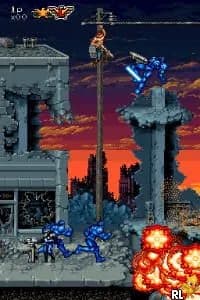
Ready for another round? Explore more Contra games and console editions. Choose a game below to play it on its own page.
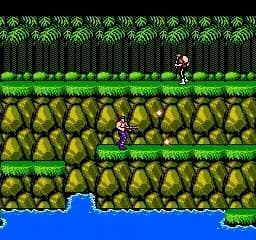
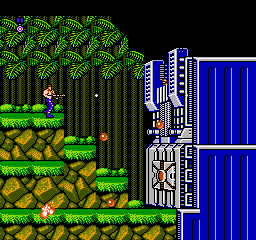
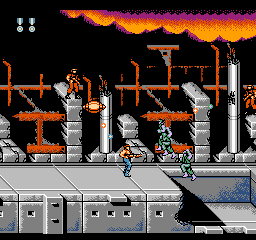
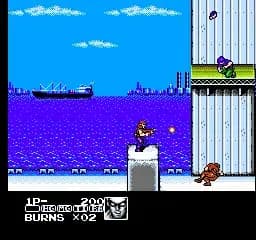

How to play Contra - The Alien Wars online
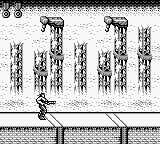
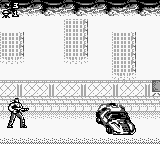
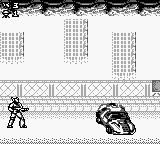
To get started with Contra - The Alien Wars, first choose your character and begin the game. The core loop involves moving through levels, defeating enemies, and collecting power-ups to enhance your weapons. Be mindful of your surroundings, as enemy attacks can come from multiple directions.
As you play, you’ll encounter various power-ups that can significantly change your weapon capabilities. Mastering the controls and learning enemy patterns is essential for progressing through the game. Try to team up with a friend for co-op play, as it can make the game more enjoyable and manageable.
CONTROLS
Controls
- Arrow Keys — D-Pad / Movement
- X — A button (jump / confirm)
- S — B button (run / attack / cancel)
- Enter — Start / Pause
- V — Select
Contra - The Alien Wars FAQ
Is Contra - The Alien Wars an official release, a fan hack, a prototype, or another kind of build?
This title is an official release developed by Konami for the Game Boy, part of the established Contra series.
Which regions was Contra - The Alien Wars released in?
The game was released in the USA, making it accessible for a North American audience during its launch period.
Does Contra - The Alien Wars have a multiplayer or co-op mode?
Yes, the game supports a two-player cooperative mode, allowing players to team up and tackle the challenges together.
You may also like
All Game Boy games











GAME INFO
- Platform
- Game Boy
- Genre
- Run and Gun
- Released
- 1994
- Players
- 1-2
- Region
- USA
COMMENTS (0)
No comments yet. Be the first to share your thoughts.