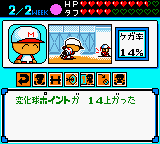
The game loads when you press Play · press “Play Now” inside the game if it asks.
Power Pro Kun Pocket 2 (Japan)
Power Pro Kun Pocket 2
What is Power Pro Kun Pocket 2?
- Game Boy Color
- Sports
- 5· 0 votes
GAME INFO
- Platform
- Game Boy Color
- Genre
- Sports
- Released
- 2000
- Players
- 1-2
- Region
- Japan
More Power Pro Kun Pocket Games
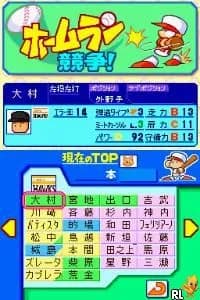
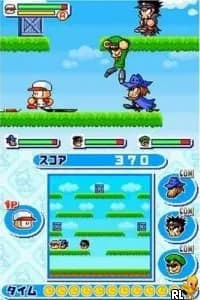
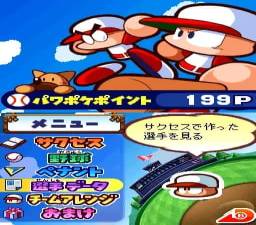
Ready for another round? Explore more Power Pro Kun Pocket games and console editions. Choose a game below to play it on its own page.

How to play Power Pro Kun Pocket 2 online
CONTROLS
Controls
- Arrow Keys: D-Pad / Movement
- X: A button (jump / confirm)
- S: B button (run / attack / cancel)
- Enter: Start / Pause
- V: Select
Power Pro Kun Pocket 2 FAQ
Who developed Power Pro Kun Pocket 2?
The game was developed and published by Konami. It is part of their long-running Jikkyō Powerful Pro Yakyū series, adapted for portable play on the Game Boy Color.
Which regions was Power Pro Kun Pocket 2 released in?
Power Pro Kun Pocket 2 was released exclusively in Japan. There was no official Western release, making it an import title for collectors.
Is there anything iconic or memorable about Power Pro Kun Pocket 2?
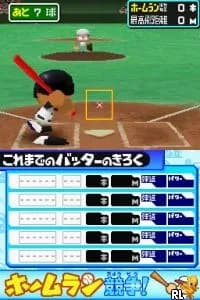
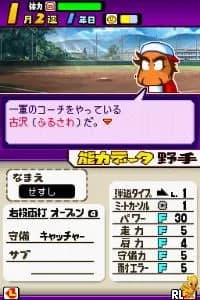
This sequel introduced expanded player customization and refined the Success mode, a fan-favorite training mode. Its chibi graphics and addictive arcade baseball gameplay have made it a cult classic among retro sports fans.
You may also like
All Game Boy Color games











GAME INFO
- Platform
- Game Boy Color
- Genre
- Sports
- Released
- 2000
- Players
- 1-2
- Region
- Japan
COMMENTS (0)
No comments yet. Be the first to share your thoughts.