The game loads when you press Play · press “Play Now” inside the game if it asks.
Final Fantasy 4 (J)
Final Fantasy 4
Inside Final Fantasy 4
- WonderSwan
- RPG
- 5· 0 votes
GAME INFO
- Platform
- WonderSwan
- Genre
- RPG
- Publisher
- Square
- Developer
- Square
- Released
- 2002
- Players
- 1
- Region
- Japan
- Based on
- Final Fantasy IV
More Final Fantasy Games
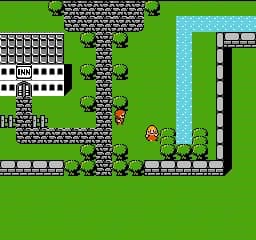
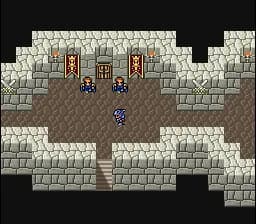
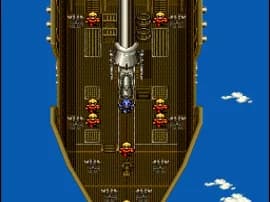
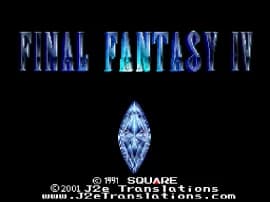
Ready for another round? Explore more Final Fantasy games and console editions. Choose a game below to play it on its own page.
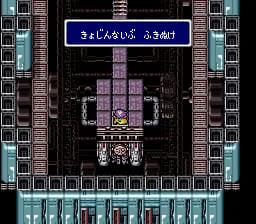
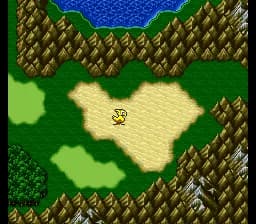
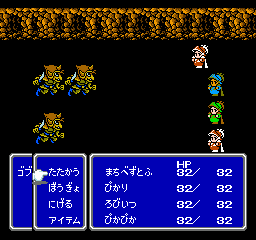
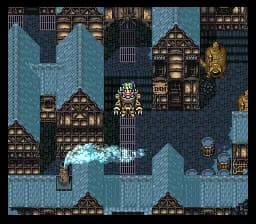
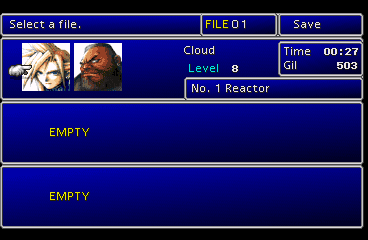
How to play Final Fantasy 4 online
Getting Started
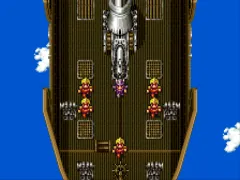
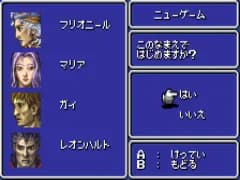
When you first load the game, you will see the title screen in Japanese. Press Start to begin a new game or continue from a save state. The opening cutscene introduces Cecil and his airship crew. Shortly after, you gain control on the world map.
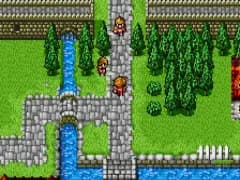
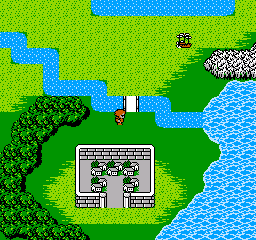
The core loop involves traveling between towns and dungeons while fighting monsters. Walk into a town to rest, buy equipment, and talk to NPCs. In dungeons, random battles occur as you move. The Active Time Battle system requires you to select commands like Attack, Magic, or Item when each character's ATB bar fills. Winning battles earns experience points and gold.
Menus and item names are all in Japanese, so keep a translation reference handy if you do not read the language. Save points are indicated by a crystal icon; you can save the game there. Use save states in your emulator as a backup. The game can be challenging, so grind levels when needed.
CONTROLS
Controls
- Arrow Keys: D-Pad / Movement
- X: A button
- S: B button
- Enter: Start
- V: Sound
Final Fantasy 4 FAQ
Who developed Final Fantasy 4?
Square Co., Ltd. (now Square Enix) developed the original Final Fantasy IV for the Super Famicom, and the WonderSwan port was also handled internally by Square.
Is there anything iconic or memorable about Final Fantasy 4?
Final Fantasy IV introduced the Active Time Battle system, which became a series staple. Its story, centered on Cecil's redemption and the love between Cecil and Rosa, is considered one of the most emotional in early RPGs.
In what year was Final Fantasy 4 originally released?
The original version launched in Japan on July 19, 1991, for the Super Famicom. The WonderSwan port arrived in 2002.
You may also like
All WonderSwan games Digimon Adventure 02 - D1 Tamers
 Alchemist Marie & Elie - Futari no Atelier
 Dragonball
 Uchuu Senkan Yamato
 Hunter X Hunter - Greed Island
 Pocket Fighter
 Digimon Digital Monsters - Anode & Cathode Tamer - Veedramon Version
 Puzzle Bobble
 Digimon Tamers - Brave Tamer
 Digimon Tamers - Digimon Medley
 From TV Animation - One Piece - Niji no Shima Densetsu
 Rockman EXE WS
GAME INFO
- Platform
- WonderSwan
- Genre
- RPG
- Publisher
- Square
- Developer
- Square
- Released
- 2002
- Players
- 1
- Region
- Japan
- Based on
- Final Fantasy IV
COMMENTS (0)
No comments yet. Be the first to share your thoughts.