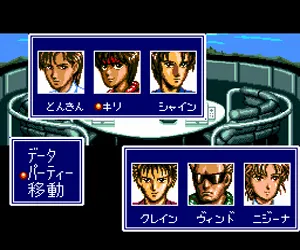
The game loads when you press Play · press “Play Now” inside the game if it asks.
Cyber Knight (Japan)
Cyber Knight
Cyber Knight: TG16 RPG
- NEC TURBOGRAFX-16
- RPG
- 5· 0 votes
GAME INFO
- Platform
- NEC TURBOGRAFX-16
- Genre
- RPG
- Publisher
- Tonkin House
- Developer
- Group SNE
- Released
- 1992
- Region
- Japan
More Cyber Knight Games
Ready for another round? Explore more Cyber Knight games and console editions. Choose a game below to play it on its own page.
How to play Cyber Knight online
CONTROLS
Controls
- Arrow Keys: D-Pad / Movement
- X: I button
- S: II button
- Enter: Run / Start
- V: Select
Cyber Knight FAQ
Who developed Cyber Knight?
The development studio behind Cyber Knight is not widely documented in English sources. The game was released in Japan only, and specific developer credits are unclear from the available catalog information.
Is Cyber Knight considered easy to pick up or challenging?
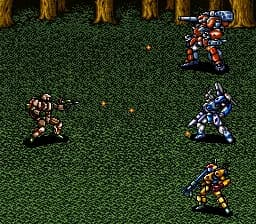
This game is deliberately aimed at experienced role-playing gamers. Random encounters are frequent and combat is very slow, making it a demanding experience even by early nineties Japanese RPG standards.
Does Cyber Knight have a multiplayer or co-op mode?
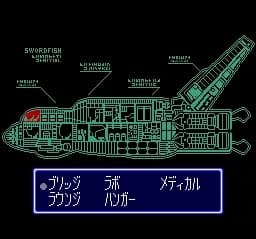
Cyber Knight is a single-player experience only. The game focuses on solo strategic robot combat and space exploration with no cooperative or versus modes available.
You may also like
All NEC TURBOGRAFX-16 games











GAME INFO
- Platform
- NEC TURBOGRAFX-16
- Genre
- RPG
- Publisher
- Tonkin House
- Developer
- Group SNE
- Released
- 1992
- Region
- Japan
COMMENTS (0)
No comments yet. Be the first to share your thoughts.