The game loads when you press Play · press “Play Now” inside the game if it asks.
Alien 8
Alien 8
Alien 8: MSX1 Action
GAME INFO
More Alien Games
Ready for another round? Explore more Alien games and console editions. Choose a game below to play it on its own page.
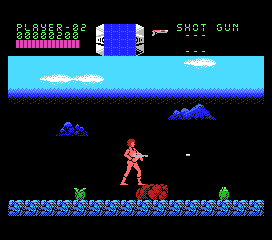
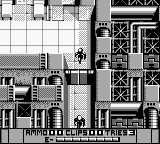
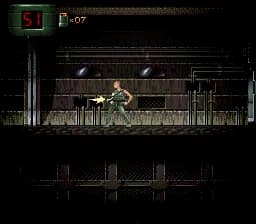
How to play Alien 8 online
Getting Started
When you start Alien 8, you begin inside the space station with no clear directions. Move left or right using the Arrow Keys to explore the corridors. Jump over small gaps and press B to run when you need to evade enemies or cover ground. The core loop is simply exploring each room, looking for cryo-chambers that contain sleeping humans. Interacting with them (by touching them) releases them, and that is your main objective.
There is no in-game map or tutorial, so you will need to rely on your memory or draw your own map on paper. Aliens will appear and can damage you if you touch them. You can defeat some by running into them while holding the B button, but others require careful timing to avoid. The station is large and interconnected, so be systematic in your search. The game is in English, so menus and prompts are readable.
CONTROLS
Controls
- Arrow Keys: D-Pad / Movement
- X: Trigger 1
- S: Trigger 2
- Enter: Start
Alien 8 FAQ
Is Alien 8 an official release, a fan hack, a prototype, or another kind of build?
Alien 8 on MSX 1 is an official port of the original ZX Spectrum game, released commercially during the 1980s. It is not a hack or fan modification.
Is Alien 8 exclusive to MSX 1 or did it appear on other systems?
Alien 8 was first released on the ZX Spectrum and later ported to several other home computers, including the MSX 1, Commodore 64, and Amstrad CPC. The MSX version is one of these ports.
Is there anything iconic or memorable about Alien 8?
The game is remembered for its large, non-linear space station design and the requirement to manually map rooms. It was one of the earlier games to offer a truly open-ended exploration experience, influencing later adventure titles.












COMMENTS (0)
No comments yet. Be the first to share your thoughts.