![Tougiou King Colossus (Japan) [En by MIJET v20061030] (Family Friendly Edition)](/uploads/games/gc-3f0de4094ef7.webp)
Tougiou King Colossus (Japan) [En by MIJET v20061030] (Family Friendly Edition)
Tougiou King Colossus (Japan) [En by MIJET v20061030] (Family Friendly Edition) Overview
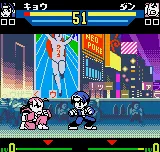
Tougiou King Colossus is a one-on-one fighting game originally released for the SEGA Genesis in Japan in the early 1990s. This particular version is an English translation patch created by a fan group called MIJET, version dated October 30, 2006, and is labeled as a 'Family Friendly Edition' - likely a mod that tones down violence or alters content for a younger audience. It's a straightforward hack that replaces the original Japanese text with English while keeping the core fighting mechanics intact.
How to Play Tougiou King Colossus (Japan) [En by MIJET v20061030] (Family Friendly Edition) Online
Getting Started
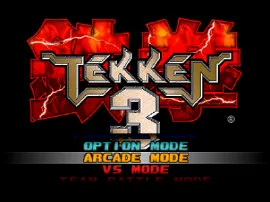
When you start Tougiou King Colossus, the title screen offers a standard fighting game menu: versus mode, single-player mode, and options. Since this is an English translation, menus should be readable. Choose 'Single Player' to fight through a series of AI opponents, or pick 'Versus' to battle a friend. The core loop is pick a fighter, then square off in best-of-three rounds.
Each fighter has a set of basic punches, kicks, and special moves. Learn the timing of your character's attacks and practice blocking. The family friendly edition may have altered some moves or visuals, but the fundamental controls remain the same. Experiment with the D‑Pad for movement and the A/B/X/Y buttons for different attacks.
If you are new to fighting games, start with single-player to get a feel for the combo system. The AI is not very aggressive, so it's a good place to learn. Use the start button to pause and access options like difficulty level. There is no in-game tutorial, so you'll discover special moves by trying button combinations.
Tougiou King Colossus (Japan) [En by MIJET v20061030] (Family Friendly Edition) Keyboard Controls
Controls
- Arrow Keys: D-Pad / Movement
- X: A button
- S: B button
- Z: C button
- A: X button (6-button pad)
- Q: Y button (6-button pad)
- E: Z button (6-button pad)
- Enter: Start / Mode

Comments (0)