CHOOSE A VERSION
2 versions · same consoleChoose an original release, regional version, revision, bootleg or clearly labelled ROM hack/mod, then press Play. Hacks may change the gameplay. Switching versions restarts the player.
Selected: Default · Original · Worldwide
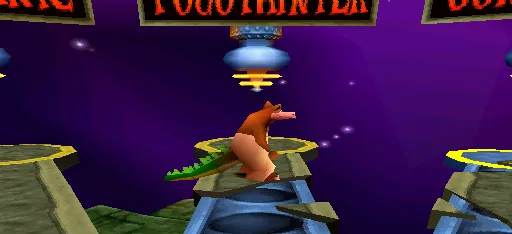
The game loads when you press Play · press “Play Now” inside the game if it asks.
Crash Bash
Crash Bash
What is Crash Bash?
- PlayStation PSX
- Action
- 5· 0 votes
GAME INFO
- Platform
- PlayStation PSX
- Genre
- Action
- Publisher
- Sony Computer Entertainment
- Developer
- Eurocom Entertainment Software
- Released
- 2000
- Players
- 1-4
- Region
- Worldwide
How to play Crash Bash online
CONTROLS
Controls
- Arrow Keys — D-Pad / Movement
- X — Cross ( × )
- S — Square ( □ )
- Z — Triangle ( △ )
- A — Circle ( ○ )
- Q — L1 shoulder
- E — R1 shoulder
- Enter — Start
- V — Select
Crash Bash FAQ
Does Crash Bash have a multiplayer or co-op mode?
Crash Bash supports up to four players locally, making it a multiplayer-focused party game. Co-op play is less emphasized as it centers on competitive mini-games.
Is Crash Bash exclusive to PlayStation PSX or did it appear on other systems?
Crash Bash was released exclusively for the original PlayStation console. It did not see official releases on other platforms.
Is Crash Bash considered easy to pick up or challenging?
The game is generally easy to pick up due to its simple controls and party game format, but mastering the mini-games and competitive aspects can provide a moderate challenge.
You may also like
All PlayStation PSX games











GAME INFO
- Platform
- PlayStation PSX
- Genre
- Action
- Publisher
- Sony Computer Entertainment
- Developer
- Eurocom Entertainment Software
- Released
- 2000
- Players
- 1-4
- Region
- Worldwide
COMMENTS (0)
No comments yet. Be the first to share your thoughts.