CHOOSE A VERSION
2 versions · same consoleChoose an original release, regional version, revision, bootleg or clearly labelled ROM hack/mod, then press Play. Hacks may change the gameplay. Switching versions restarts the player.
Selected: Default · USA, Europe · En,Fr,De,Es,It · USA, Europe
The game loads when you press Play · press “Play Now” inside the game if it asks.
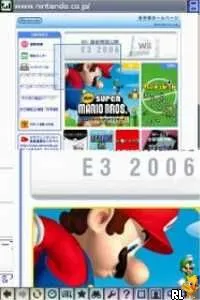
Nintendo DS Browser (USA, Europe) (En,Fr,De,Es,It)
Nintendo DS Browser
About Nintendo DS Browser
- Nintendo DS
- Simulation
- 5· 0 votes
GAME INFO
- Platform
- Nintendo DS
- Genre
- Simulation
- Region
- USA, Europe
How to play Nintendo DS Browser online
CONTROLS
Controls
- Arrow Keys — D-Pad / Movement
- X — A button
- S — B button
- Z — Y button
- A — X button
- Q — L shoulder
- E — R shoulder
- Enter — Start
- V — Select
Nintendo DS Browser FAQ
What makes Nintendo DS Browser stand out among Nintendo DS titles of its era?
Its unique feature as a web browser for a handheld console sets it apart from traditional games. Players could access the internet on the go, which was a novel concept at the time for gaming devices.
Roughly how long does it take to finish Nintendo DS Browser?
There isn't a specific completion time for Nintendo DS Browser since it is not a traditional game with levels or endings. Instead, it serves as a tool for browsing the internet, so usage time varies based on individual browsing habits.
Is there anything iconic or memorable about Nintendo DS Browser?
The browser is memorable for its role in demonstrating the potential of handheld internet access during the mid-2000s. It was one of the first attempts to bring web browsing to a gaming console, which was quite innovative for that period.
You may also like
All Nintendo DS games











GAME INFO
- Platform
- Nintendo DS
- Genre
- Simulation
- Region
- USA, Europe
COMMENTS (0)
No comments yet. Be the first to share your thoughts.