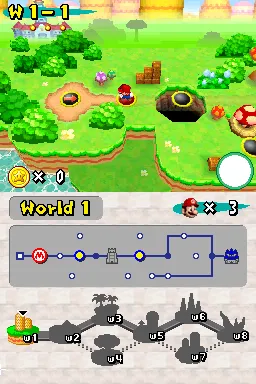
The game loads when you press Play · press “Play Now” inside the game if it asks.
More Super Mario Bras. 2
More Super Mario Bras. 2
Getting to Know More Super Mario Bras. 2
- Nintendo DS
- Platformer
- ROM Hack
- 5· 0 votes
Unofficial ROM hack. The notes below come from community sources and have not been verified against the patch itself, so levels, mechanics and features may differ from what is described.
GAME INFO
- Platform
- Nintendo DS
- Genre
- Platformer
How to play More Super Mario Bras. 2 online
CONTROLS
Controls
- Arrow Keys — D-Pad / Movement
- X — A button
- S — B button
- Z — Y button
- A — X button
- Q — L shoulder
- E — R shoulder
- Enter — Start
- V — Select
More Super Mario Bras. 2 FAQ
What type of game is More Super Mario Bras. 2?
This title is a fan-made ROM hack that modifies gameplay elements and levels inspired by the Super Mario series. It retains the platforming mechanics typical of the genre while offering a unique experience for players.
Is More Super Mario Bras. 2 exclusive to Nintendo DS or did it appear on other systems?
More Super Mario Bras. 2 is specifically designed for the Nintendo DS platform and does not have official releases on other systems. Its focus on retro gameplay caters to fans of the handheld console.
Who developed More Super Mario Bras. 2?
The specific developer of More Super Mario Bras. 2 is not widely documented, as it is a fan-made hack. Such projects are typically created by members of the gaming community rather than established studios.
You may also like
All Nintendo DS games











GAME INFO
- Platform
- Nintendo DS
- Genre
- Platformer
COMMENTS (0)
No comments yet. Be the first to share your thoughts.