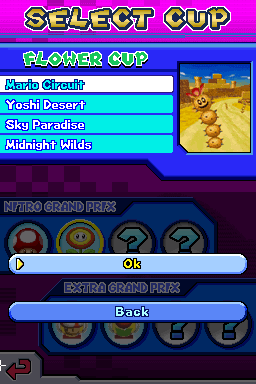
The game loads when you press Play · press “Play Now” inside the game if it asks.
Mario Kart DS N64 Circuit
Mario Kart DS N64 Circuit
Mario Kart DS N64 Circuit - Racing Classic
- Nintendo DS
- Racing
- Fan Game
- 5· 0 votes
Unofficial fan game. The notes below come from community sources and have not been verified against the patch itself, so levels, mechanics and features may differ from what is described.
GAME INFO
- Platform
- Nintendo DS
- Genre
- Racing
- Based on
- Mario Kart DS
How to play Mario Kart DS N64 Circuit online
CONTROLS
Controls
- Arrow Keys — D-Pad / Movement
- X — A button
- S — B button
- Z — Y button
- A — X button
- Q — L shoulder
- E — R shoulder
- Enter — Start
- V — Select
Mario Kart DS N64 Circuit FAQ
What type of game is Mario Kart DS N64 Circuit?
This title is a racing game that adapts classic tracks from the Mario Kart series for the Nintendo DS. It is a fan-made hack that captures the essence of the original gameplay.
Does Mario Kart DS N64 Circuit have a multiplayer or co-op mode?
Information about multiplayer features is not widely documented, but typically, Mario Kart games include options for competitive racing against friends or AI. Check the settings to explore available modes.
Who developed Mario Kart DS N64 Circuit?
The specifics about the developer are not widely documented, as this game is a fan-made hack rather than an official release. It draws inspiration from the original Mario Kart series.
You may also like
All Nintendo DS games











GAME INFO
- Platform
- Nintendo DS
- Genre
- Racing
- Based on
- Mario Kart DS
COMMENTS (0)
No comments yet. Be the first to share your thoughts.