The game loads when you press Play · press “Play Now” inside the game if it asks.
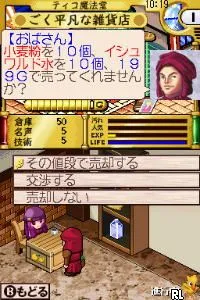
Lemyuoul no Renkinjutsushi (Japan)
Lemyuoul no Renkinjutsushi
Lemyuoul no Renkinjutsushi: NDS RPG
- Nintendo DS
- RPG
- 5· 0 votes
GAME INFO
- Platform
- Nintendo DS
- Genre
- RPG
- Region
- Japan
How to play Lemyuoul no Renkinjutsushi online
CONTROLS
Controls
- Arrow Keys — D-Pad / Movement
- X — A button
- S — B button
- Z — Y button
- A — X button
- Q — L shoulder
- E — R shoulder
- Enter — Start
- V — Select
Lemyuoul no Renkinjutsushi FAQ
Is Lemyuoul no Renkinjutsushi considered easy to pick up or challenging?
The game presents a moderate level of challenge, typical for RPGs of its time. While experienced players may find it accessible, newcomers to the genre might need some time to adapt to its mechanics.
What makes Lemyuoul no Renkinjutsushi stand out among Nintendo DS titles of its era?
This title is notable for its niche appeal and the unique flavor of Japanese RPGs, which often include intricate world-building and character development. It may not be as widely recognized as other DS games, making it an interesting find for collectors.
Which regions was Lemyuoul no Renkinjutsushi released in?
The game was released exclusively in Japan, limiting its exposure to a broader audience. This regional focus contributes to its status as a lesser-known title in the global gaming community.
You may also like
All Nintendo DS games











GAME INFO
- Platform
- Nintendo DS
- Genre
- RPG
- Region
- Japan
COMMENTS (0)
No comments yet. Be the first to share your thoughts.