CHOOSE A VERSION
3 versions · same consoleChoose an original release, regional version, revision, bootleg or clearly labelled ROM hack/mod, then press Play. Hacks may change the gameplay. Switching versions restarts the player.
Selected: Default · Europe · En,Fr,De,Es,It · Europe
The game loads when you press Play · press “Play Now” inside the game if it asks.
FIFA 08 (Europe) (En,Fr,De,Es,It)
FIFA 08
About FIFA 08
- Nintendo DS
- Sports
- 5· 0 votes
GAME INFO
- Platform
- Nintendo DS
- Genre
- Sports
- Publisher
- EA Sports
- Developer
- EA Vancouver
- Released
- 2007
- Players
- 1-2
- Region
- Europe
- Based on
- FIFA 08
More FIFA Games
Ready for another round? Explore more FIFA games and console editions. Choose a game below to play it on its own page.
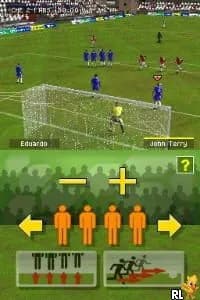
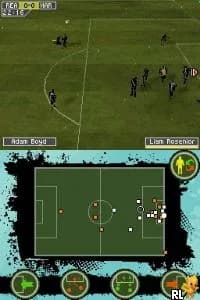
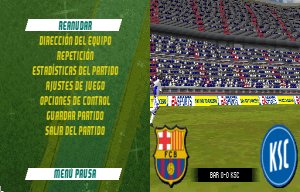
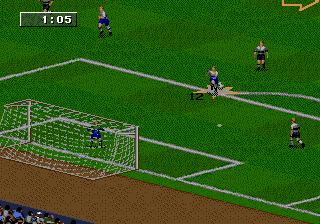
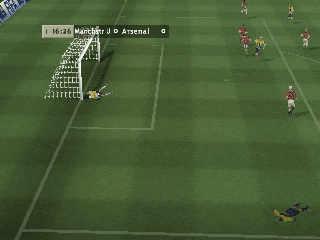

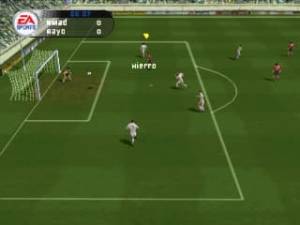
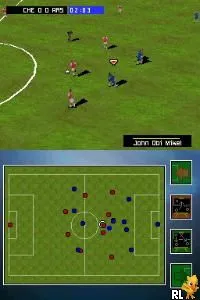
How to play FIFA 08 online
Getting started in FIFA 08 involves selecting a game mode from the main menu. Players can choose between quick matches, tournaments, or manager mode to take on the role of a team coach. Familiarizing yourself with the controls is essential, as they will be used to execute various actions on the field.
The core loop of the game revolves around playing matches, where you control your team and aim to score goals against your opponent. Scoring involves strategic passing, positioning, and timing, while defending requires anticipating your opponent’s moves. As you progress, you may unlock different teams and leagues, adding depth to your experience.
CONTROLS
Controls
- Arrow Keys — D-Pad / Movement
- X — A button
- S — B button
- Z — Y button
- A — X button
- Q — L shoulder
- E — R shoulder
- Enter — Start
- V — Select
FIFA 08 FAQ
Is FIFA 08 considered easy to pick up or challenging?
The game is relatively easy to pick up due to its intuitive controls and straightforward gameplay mechanics. New players can quickly learn the basics while enjoying the excitement of football matches.
Which regions was FIFA 08 released in?
FIFA 08 was released in Europe, with support for multiple languages including English, French, German, Spanish, and Italian. This multilingual approach broadened its accessibility across various European markets.
Who developed FIFA 08?
The game was developed by EA Canada, a studio well-known for its work on the FIFA series. Electronic Arts published the game, continuing its long-standing association with the franchise.
You may also like
All Nintendo DS games











GAME INFO
- Platform
- Nintendo DS
- Genre
- Sports
- Publisher
- EA Sports
- Developer
- EA Vancouver
- Released
- 2007
- Players
- 1-2
- Region
- Europe
- Based on
- FIFA 08
COMMENTS (0)
No comments yet. Be the first to share your thoughts.