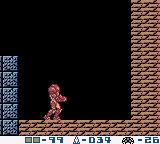
The game loads when you press Play · press “Play Now” inside the game if it asks.
Metroid II DX
Metroid II DX
About Metroid II DX
Unofficial ROM hack. The notes below come from community sources and have not been verified against the patch itself, so levels, mechanics and features may differ from what is described.
GAME INFO
- Platform
- Game Boy
- Genre
- Action
- Players
- 1
- Based on
- Metroid II: Return of Samus
More Metroid Games
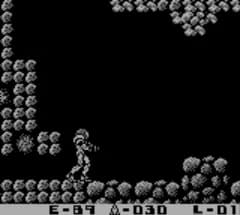
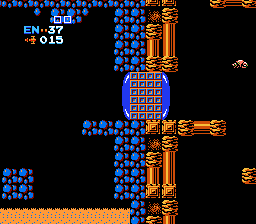
Ready for another round? Explore more Metroid games and console editions. Choose a game below to play it on its own page.
How to play Metroid II DX online
CONTROLS
Controls
- Arrow Keys — D-Pad / Movement
- X — A button (jump / confirm)
- S — B button (run / attack / cancel)
- Enter — Start / Pause
- V — Select
Metroid II DX FAQ
Can players save progress in Metroid II DX?
The game does not feature a traditional save system, but players can take advantage of the Game Boy's ability to save their state through emulator functions if playing on an emulator.
Is Metroid II DX exclusive to Game Boy or did it appear on other systems?
This title is specifically a fan-made hack for the Game Boy, and it does not have official releases on other systems. Its availability is mainly through emulators and ROMs.
Is Metroid II DX considered easy to pick up or challenging?
The game retains the challenging aspects of the original Metroid II, requiring players to have good reflexes and strategic thinking. It may take some time to get used to the controls and mechanics, but fans of the genre will likely find it rewarding.
You may also like
All Game Boy games











GAME INFO
- Platform
- Game Boy
- Genre
- Action
- Players
- 1
- Based on
- Metroid II: Return of Samus
COMMENTS (0)
No comments yet. Be the first to share your thoughts.