CHOOSE A VERSION
2 versions · same consoleChoose an original release, regional version, revision, bootleg or clearly labelled ROM hack/mod, then press Play. Hacks may change the gameplay. Switching versions restarts the player.
Selected: Default · USA · USA
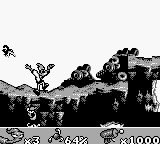
The game loads when you press Play · press “Play Now” inside the game if it asks.
Earthworm Jim (USA)
Earthworm Jim
Earthworm Jim: GB Platformer
- Game Boy
- Platformer
- 5· 0 votes
GAME INFO
- Platform
- Game Boy
- Genre
- Platformer
- Publisher
- Interplay Entertainment
- Developer
- Shiny Entertainment
- Released
- 1995
- Players
- 1
- Region
- USA
More Earthworm Jim Games
Ready for another round? Explore more Earthworm Jim games and console editions. Choose a game below to play it on its own page.
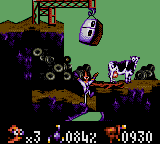
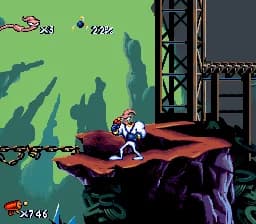

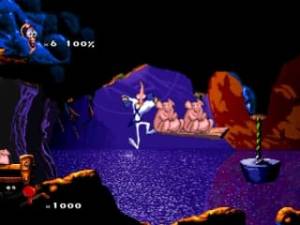
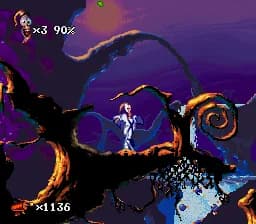
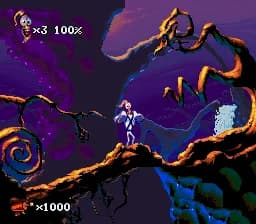
How to play Earthworm Jim online
CONTROLS
Controls
- Arrow Keys — D-Pad / Movement
- X — A button (jump / confirm)
- S — B button (run / attack / cancel)
- Enter — Start / Pause
- V — Select
Earthworm Jim FAQ
Is Earthworm Jim exclusive to Game Boy or did it appear on other systems?
Earthworm Jim originally debuted on the Sega Genesis and Super Nintendo before being released on the Game Boy. It has since appeared on various platforms, including remakes and compilations.
Is Earthworm Jim considered easy to pick up or challenging?
The game offers a moderate level of challenge, with some levels requiring precise timing and skill. While new players can quickly learn the basics, mastering the game may take time and practice.
Who developed Earthworm Jim?
Shiny Entertainment developed Earthworm Jim, a studio known for creating innovative and humorous games during the 1990s. Their unique style contributed to the game's lasting popularity.
You may also like
All Game Boy games











GAME INFO
- Platform
- Game Boy
- Genre
- Platformer
- Publisher
- Interplay Entertainment
- Developer
- Shiny Entertainment
- Released
- 1995
- Players
- 1
- Region
- USA
COMMENTS (0)
No comments yet. Be the first to share your thoughts.