CHOOSE A VERSION
4 versions · same consoleChoose an original release, regional version, revision, bootleg or clearly labelled ROM hack/mod, then press Play. Hacks may change the gameplay. Switching versions restarts the player.
Selected: Default · USA · USA
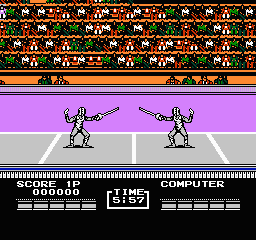
The game loads when you press Play · press “Play Now” inside the game if it asks.
Track & Field II (USA)
Track & Field II
Track & Field II - Sports Classic
- Nintendo Entertainment System
- Sports
- 5· 0 votes
GAME INFO
- Platform
- Nintendo Entertainment System
- Genre
- Sports
- Publisher
- Konami
- Developer
- Konami
- Released
- 1990
- Players
- 1-2
- Region
- USA
More Track & Field Games
Ready for another round? Explore more Track & Field games and console editions. Choose a game below to play it on its own page.
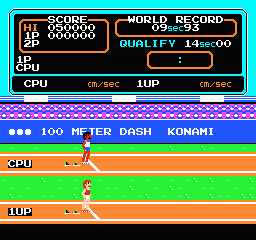
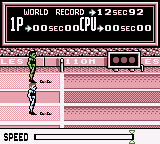
How to play Track & Field II online
CONTROLS
Controls
- Arrow Keys — D-Pad / Movement
- X — A button (jump / confirm)
- S — B button (run / attack / cancel)
- Enter — Start / Pause
- V — Select
Track & Field II FAQ
Roughly how long does it take to finish Track & Field II?
The game can be played in short bursts, with each event lasting only a few minutes. Completing all events can take around an hour, but players can return to improve their scores and compete with friends.
Is Track & Field II considered easy to pick up or challenging?
It's relatively easy to pick up due to its simple mechanics and button mashing gameplay. However, mastering the timing for optimal performance can be quite challenging, especially as players compete for high scores.
Who developed Track & Field II?
The game was developed by Konami, a well-known company in the gaming industry, particularly for their contributions to the sports genre during the NES era.
You may also like
All Nintendo Entertainment System games











GAME INFO
- Platform
- Nintendo Entertainment System
- Genre
- Sports
- Publisher
- Konami
- Developer
- Konami
- Released
- 1990
- Players
- 1-2
- Region
- USA
COMMENTS (0)
No comments yet. Be the first to share your thoughts.