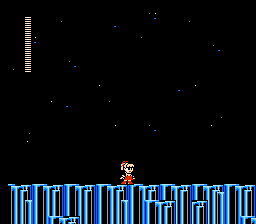
The game loads when you press Play · press “Play Now” inside the game if it asks.
Roll-chan 3
Roll-chan 3
Roll-chan 3 Overview
- Nintendo Entertainment System
- Platformer
- Homebrew
- 5· 0 votes
GAME INFO
- Platform
- Nintendo Entertainment System
- Genre
- Platformer
More Roll-chan Games
Ready for another round? Explore more Roll-chan games and console editions. Choose a game below to play it on its own page.
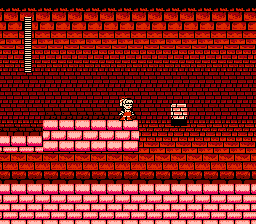
How to play Roll-chan 3 online
CONTROLS
Controls
- Arrow Keys — D-Pad / Movement
- X — A button (jump / confirm)
- S — B button (run / attack / cancel)
- Enter — Start / Pause
- V — Select
Roll-chan 3 FAQ
What type of game is Roll-chan 3?
This title is a fan-made homebrew platformer for the Nintendo Entertainment System, showcasing levels filled with obstacles and enemies.
Is Roll-chan 3 considered easy to pick up or challenging?
The game generally offers a moderate challenge, especially for those familiar with platformers from the NES era. New players may need some time to adapt to its mechanics and level designs.
What makes Roll-chan 3 stand out among Nintendo Entertainment System titles of its era?
Its status as a homebrew project allows it to stand apart from traditional NES titles, highlighting the creativity of retro gaming enthusiasts. While it may lack the polish of mainstream games, it provides a unique experience for fans of the genre.
You may also like
All Nintendo Entertainment System games











GAME INFO
- Platform
- Nintendo Entertainment System
- Genre
- Platformer
COMMENTS (0)
No comments yet. Be the first to share your thoughts.