CHOOSE A VERSION
3 versions · same consoleChoose an original release, regional version, revision, bootleg or clearly labelled ROM hack/mod, then press Play. Hacks may change the gameplay. Switching versions restarts the player.
Selected: Default · USA · USA

The game loads when you press Play · press “Play Now” inside the game if it asks.
Luminous Arc 2 (USA)
Luminous Arc 2
Luminous Arc 2 Overview
- Nintendo DS
- RPG
- 5· 0 votes
GAME INFO
- Platform
- Nintendo DS
- Genre
- RPG
- Publisher
- Marvelous Entertainment
- Developer
- Imageepoch
- Released
- 2008
- Players
- 1
- Region
- USA
- Based on
- Luminous Arc
More Luminous Arc Games
Ready for another round? Explore more Luminous Arc games and console editions. Choose a game below to play it on its own page.
How to play Luminous Arc 2 online
CONTROLS
Controls
- Arrow Keys — D-Pad / Movement
- X — A button
- S — B button
- Z — Y button
- A — X button
- Q — L shoulder
- E — R shoulder
- Enter — Start
- V — Select
Luminous Arc 2 FAQ
What type of game is Luminous Arc 2?
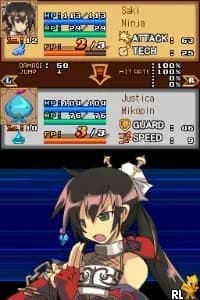
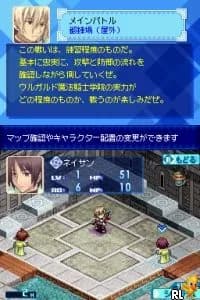
This title is a tactical RPG that combines turn-based combat with visual novel-style storytelling, focusing on character interactions and strategic battles.
Is Luminous Arc 2 exclusive to Nintendo DS or did it appear on other systems?
It was released exclusively for the Nintendo DS and does not have official versions on other platforms.
Who developed Luminous Arc 2?
The game was developed by Imageepoch, a studio known for creating various RPG titles during the Nintendo DS era.
You may also like
All Nintendo DS games











GAME INFO
- Platform
- Nintendo DS
- Genre
- RPG
- Publisher
- Marvelous Entertainment
- Developer
- Imageepoch
- Released
- 2008
- Players
- 1
- Region
- USA
- Based on
- Luminous Arc
COMMENTS (0)
No comments yet. Be the first to share your thoughts.