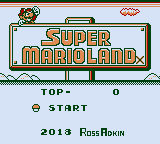
The game loads when you press Play · press “Play Now” inside the game if it asks.
Super Mario Land X - Hard Mode
Super Mario Land X - Hard Mode
Super Mario Land X - Hard Mode on GB
- Game Boy
- Platformer
- ROM Hack
- 5· 0 votes
Unofficial ROM hack. The notes below come from community sources and have not been verified against the patch itself, so levels, mechanics and features may differ from what is described.
GAME INFO
- Platform
- Game Boy
- Genre
- Platformer
- Players
- 1
- Based on
- Super Mario Land
More Super Mario Land Games
Ready for another round? Explore more Super Mario Land games and console editions. Choose a game below to play it on its own page.
How to play Super Mario Land X - Hard Mode online
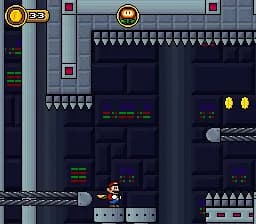
To get started, launch the game and select your desired mode. The game begins with Mario in a level filled with obstacles and enemies. Familiarize yourself with the controls and navigate through the first stage while collecting power-ups and coins.
The core loop involves moving through levels, defeating enemies, and reaching the flagpole at the end of each stage. As you progress, the difficulty ramps up, requiring quick reflexes and strategic jumps. Pay attention to enemy patterns and use the power-ups wisely to enhance your chances of success.
CONTROLS
Controls
- Arrow Keys — D-Pad / Movement
- X — A button (jump / confirm)
- S — B button (run / attack / cancel)
- Enter — Start / Pause
- V — Select
Super Mario Land X - Hard Mode FAQ
Is Super Mario Land X - Hard Mode exclusive to Game Boy or did it appear on other systems?
This game is a fan-made hack specifically designed for the Game Boy platform. It has not been officially released on any other systems.
Roughly how long does it take to finish Super Mario Land X - Hard Mode?
Completion time can vary significantly based on player skill, but it typically takes around 1-2 hours to finish the game. The increased difficulty may extend playtime for some players.
Which regions was Super Mario Land X - Hard Mode released in?
The game is a fan-made hack and does not have an official release in any specific region. It is primarily available online for players around the world.
You may also like
All Game Boy games











GAME INFO
- Platform
- Game Boy
- Genre
- Platformer
- Players
- 1
- Based on
- Super Mario Land
COMMENTS (0)
No comments yet. Be the first to share your thoughts.