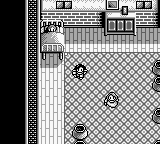
The game loads when you press Play · press “Play Now” inside the game if it asks.
Aretha III (Japan)
Aretha III
Aretha III Overview
GAME INFO
More Aretha Games
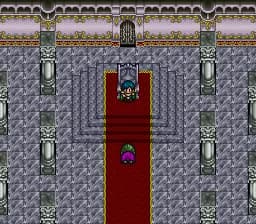
Ready for another round? Explore more Aretha games and console editions. Choose a game below to play it on its own page.
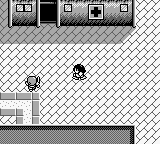
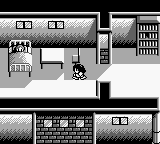
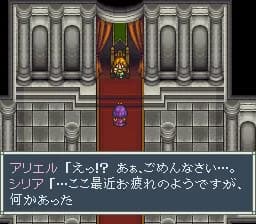
How to play Aretha III online
CONTROLS
Controls
- Arrow Keys — D-Pad / Movement
- X — A button (jump / confirm)
- S — B button (run / attack / cancel)
- Enter — Start / Pause
- V — Select
Aretha III FAQ
Can players save progress in Aretha III?
There is no widely documented information regarding a save feature in Aretha III. Players should be prepared to complete the game in one sitting or note their progress manually.
Is there anything iconic or memorable about Aretha III?
The game is known for its unique blend of RPG mechanics and simple graphics typical of the Game Boy era. While it may not have iconic status, it serves as a representation of early handheld RPGs.
Who developed Aretha III?
The developer of Aretha III is not widely documented, making it difficult to attribute the title to a specific studio or team. It remains a lesser-known entry in the RPG genre for the Game Boy.












COMMENTS (0)
No comments yet. Be the first to share your thoughts.