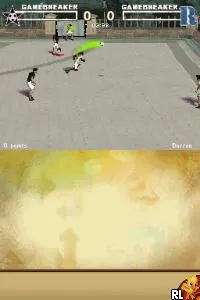
Brain Challenge (Europe) (En,Fr,De,Es,It,Nl)
Inside Brain Challenge (Europe) (En,Fr,De,Es,It,Nl)
Brain Challenge (Europe) (En,Fr,De,Es,It,Nl) is a puzzle game for the Nintendo DS, released in Europe. It was developed by Gameloft, a company known for creating various mobile and console games. This title falls under the educational genre, aiming to stimulate the brain through a series of mini-games and challenges.
In Brain Challenge, players engage in a variety of mental exercises that test different cognitive skills such as memory, logic, and problem-solving. The game presents challenges in a straightforward format, offering players a mix of timed and untimed puzzles. Players can track their progress and improvement over time, making it a suitable choice for those looking to enhance their mental agility.
Despite being a niche title compared to other mainstream games, Brain Challenge offers a unique experience that appeals to fans of educational games. It fits well within the DS library, especially for players who enjoy brain teasers and logic puzzles. While it may not have the same recognition as other top-tier games, its focus on brain training aligns with the growing interest in cognitive fitness, making it a worthwhile title to explore today.
How to Play Brain Challenge (Europe) (En,Fr,De,Es,It,Nl) Online
To get started in Brain Challenge, players will first navigate through the main menu to select a game mode. There are various mini-games available, each designed to test different cognitive skills. Choose a challenge that suits your preference, and you'll be prompted to begin.
The core loop involves completing these mini-games, which may require quick thinking and problem-solving abilities. Players should pay attention to the scoring system, as it reflects their performance. Consistently playing can help improve scores and track cognitive development over time.
Brain Challenge (Europe) (En,Fr,De,Es,It,Nl) Keyboard Controls
Controls
- Arrow Keys — D-Pad / Movement
- X — A button
- S — B button
- Z — Y button
- A — X button
- Q — L shoulder
- E — R shoulder
- Enter — Start
- V — Select

Comments (0)