Robots (Europe) (En,Fr,De,Es,It)
Getting to Know Robots (Europe) (En,Fr,De,Es,It)
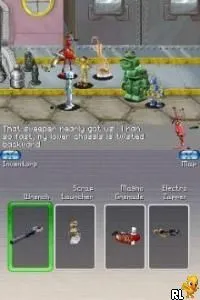
Robots (Europe) (En,Fr,De,Es,It) is a game for the Nintendo DS that was released in Europe. It is based on the animated film of the same name and falls under the action genre. The game was developed to appeal to fans of the movie and features multiple language options for accessibility, making it a versatile choice for different players.
In this title, players take on the role of various characters from the film, engaging in platforming challenges that often involve navigating through vibrant environments. The gameplay consists of completing levels filled with obstacles and enemies, utilizing character-specific abilities to progress. Players can expect a mix of jumping, running, and puzzle-solving elements, typical of platformers from this era.
What makes Robots worth trying today is its nostalgic connection to the early 2000s animated film and its straightforward gameplay mechanics. While it may not be as complex as some of its contemporaries, it offers a fun experience for younger players and fans of the movie alike. Its charm lies in its colorful graphics and the simple satisfaction of overcoming platforming challenges, making it a quaint addition to a retro gaming library.
How to Play Robots (Europe) (En,Fr,De,Es,It) Online
Getting started in Robots involves selecting your character and beginning the first level. Players will navigate through a series of platforming challenges, facing various enemies and obstacles along the way. The core loop revolves around jumping and running through levels while collecting items and avoiding hazards.
As you progress, pay attention to the character abilities that can aid in overcoming specific challenges. Familiarizing yourself with the controls and level layouts will enhance your gameplay experience. Don't hesitate to experiment with different characters to find the one that suits your playstyle best.
Robots (Europe) (En,Fr,De,Es,It) Keyboard Controls
Controls
- Arrow Keys — D-Pad / Movement
- X — A button
- S — B button
- Z — Y button
- A — X button
- Q — L shoulder
- E — R shoulder
- Enter — Start
- V — Select






Comments (0)