GoldenEye 007 (France)
GoldenEye 007 (France) Overview
GoldenEye 007 (France) is an adaptation of the classic first-person shooter originally developed by Rare for the Nintendo 64. This version for the Nintendo DS was released in Europe and features gameplay similar to the original. While details on its development are sparse, it is a notable entry in the action genre, particularly for fans of the Bond franchise.
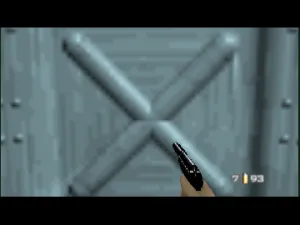
In GoldenEye 007, players assume the role of James Bond, engaging in various missions that involve combat, stealth, and exploration. The game retains the core mechanics from the original, including weapon selection and objective-based gameplay. Players navigate through levels, completing tasks while battling enemies, utilizing gadgets, and occasionally solving puzzles to progress.
What makes this game worth exploring today is its nostalgic value and the way it captures the essence of the original GoldenEye experience. Although the Nintendo DS version may not reach the same heights as its predecessor, it still offers a solid experience for fans of the series and newcomers alike. Compared to other handheld shooters of its time, GoldenEye 007 holds a unique charm, especially for those who appreciate retro gaming and the legacy of Bond titles.
How to Play GoldenEye 007 (France) Online
Getting started in GoldenEye 007 involves selecting a mission from the game's menu. As you begin, familiarize yourself with the controls and the layout of each level. The core gameplay loop revolves around completing objectives, which may include defeating enemies, collecting items, or reaching specific locations.
As you progress, pay attention to the different weapons and gadgets available to you. Each mission presents unique challenges, and understanding the mechanics can greatly enhance your experience. Stealth can be just as crucial as combat, so choose your approach wisely to tackle the various scenarios you'll face throughout the game.
GoldenEye 007 (France) Keyboard Controls
Controls
- Arrow Keys — D-Pad / Movement
- X — A button
- S — B button
- Z — Y button
- A — X button
- Q — L shoulder
- E — R shoulder
- Enter — Start
- V — Select

Comments (0)