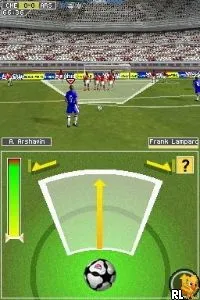
FIFA Soccer 10 (USA) (En,Fr,De,Es,It)
What is FIFA Soccer 10 (USA) (En,Fr,De,Es,It)?
FIFA Soccer 10 (USA) (En,Fr,De,Es,It) is a sports simulation game released for the Nintendo DS. Developed by EA Sports, this title is part of the long-running FIFA series that focuses on soccer gameplay. The game was made available in various regions, including the USA, and features multiple language options, catering to a wider audience of soccer fans.
How to Play FIFA Soccer 10 (USA) (En,Fr,De,Es,It) Online
To get started in FIFA Soccer 10, select your preferred mode, such as Career or Exhibition. You can choose your team and customize your lineup before jumping into matches. The core gameplay revolves around controlling your players on the field, trying to outmaneuver the opposing team to score goals.
Each match consists of two halves, where you’ll have to use various tactics to break through defenses. Passing, shooting, and strategic positioning are crucial. Familiarize yourself with the controls to execute different moves effectively, as mastering them can significantly improve your gameplay experience.
FIFA Soccer 10 (USA) (En,Fr,De,Es,It) Keyboard Controls
Controls
- Arrow Keys — D-Pad / Movement
- X — A button
- S — B button
- Z — Y button
- A — X button
- Q — L shoulder
- E — R shoulder
- Enter — Start
- V — Select






Comments (0)