FIFA 10 (Korea)
About FIFA 10 (Korea)
FIFA 10 (Korea) is a sports simulation game developed for the Nintendo DS, part of the long-running FIFA series. Released specifically for the Korean market, this title is notable for its localized content, catering to soccer fans in the region. As with other entries in the series, it captures the essence of football through gameplay and graphics typical of the DS platform during its heyday.
In FIFA 10, players take control of various teams and compete in matches, utilizing a range of strategies and tactics to outscore opponents. The game includes standard soccer mechanics like passing, shooting, and tackling, while also offering modes such as quick matches and tournaments. The controls are designed to be intuitive for the DS, making it accessible for both casual and hardcore soccer fans.
This title is worth trying today for those interested in soccer video games, especially fans of the FIFA franchise. While it may not offer the depth of newer entries, it captures the spirit of the sport in a portable format. The localized version may also provide a unique experience for players looking to explore how FIFA adapted to different cultures and markets during this era.
How to Play FIFA 10 (Korea) Online
Getting started in FIFA 10 involves selecting your team and choosing a game mode. You can either jump into a quick match or explore tournament options. Familiarizing yourself with the controls is key, especially the timing for passing and shooting, which can make a big difference in gameplay.
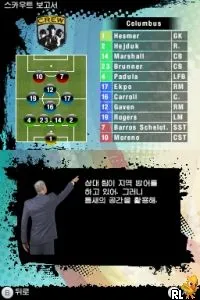
The core loop of FIFA 10 revolves around playing matches, earning points, and improving your team’s performance. Pay attention to player stats and formations, as these can significantly influence your success on the field. While the menus may be in Korean, many of the gameplay mechanics are intuitive enough for new players to grasp quickly.
FIFA 10 (Korea) Keyboard Controls
Controls
- Arrow Keys — D-Pad / Movement
- X — A button
- S — B button
- Z — Y button
- A — X button
- Q — L shoulder
- E — R shoulder
- Enter — Start
- V — Select






Comments (0)