
The game loads when you press Play · press “Play Now” inside the game if it asks.
Shanghai
Shanghai
Shanghai - Puzzle Classic
The goal is straightforward: remove all tiles from the board by clicking matching pairs. A tile can only be selected if it's not covered by another and has at least one of its left or right sides free. The layout follows the classic "turtle" or four-tier pyramid pattern. You'll need to plan your moves carefully because not every pair is equally accessible - sometimes you have to free a tile by clearing others first. The game tracks your remaining tiles and time, but there's no strict timer, so you can think through each match.
Shanghai stands out as a polished, early example of the mahjong solitaire genre. The MSX 2 version runs smoothly and captures the same clean, tile-based puzzle feel that made it a hit across multiple platforms. It's not a flashy action game, but if you enjoy logic puzzles that reward careful observation and planning, it holds up surprisingly well. The simple rules make it easy to pick up, while the randomized layouts keep each session fresh. A classic that's worth a few rounds.
GAME INFO
- Platform
- MSX 2
- Genre
- Puzzle
- Publisher
- Activision
- Developer
- Activision
- Released
- 1986
- Players
- 1
More Shanghai Games
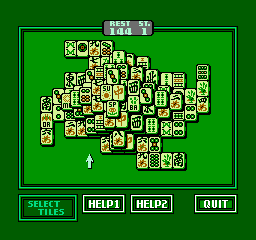
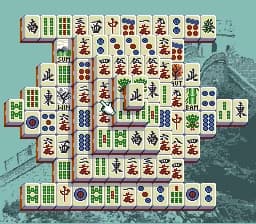
Ready for another round? Explore more Shanghai games and console editions. Choose a game below to play it on its own page.
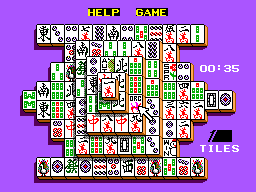
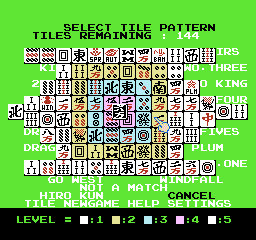
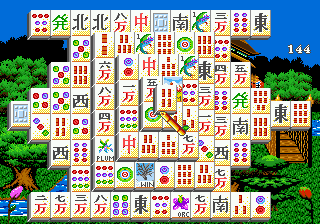
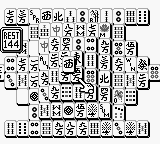
How to play Shanghai online
CONTROLS
Controls
- Arrow Keys: D-Pad / Movement
- X: Trigger 1
- S: Trigger 2
- Enter: Start
Shanghai FAQ
Is Shanghai an official release, a fan hack, a prototype, or another kind of build?
Shanghai is an official commercial release published by Activision in 1986. The MSX 2 version is a legitimate port of that original game, not a hack or prototype.
Roughly how long does it take to finish Shanghai?
A single game of Shanghai can be finished in 10 to 20 minutes if you find all the pairs quickly, but the layout is random so games vary. There is no campaign or story, just one puzzle per round.
Is Shanghai considered easy to pick up or challenging?
The basic rules are very easy to learn - match two free same-tile images. However, winning requires careful planning because bad early moves can trap key tiles, making the puzzle quite challenging to solve completely.
You may also like
All MSX 2 games











GAME INFO
- Platform
- MSX 2
- Genre
- Puzzle
- Publisher
- Activision
- Developer
- Activision
- Released
- 1986
- Players
- 1
COMMENTS (0)
No comments yet. Be the first to share your thoughts.