Guides · 5 min read
How to Set Up a Controller for Browser Games
Swap the keyboard for a gamepad, check the buttons and fix common setup problems.

In this guide · 5 sections
You can absolutely play browser retro games on a keyboard, and for puzzlers and slower titles it is perfectly fine. But the moment you plug in a real gamepad, action games feel the way they were meant to. Here is everything you need to know to get a controller working.
The good news: it usually just works
Modern browsers support the Gamepad standard, which means most controllers are detected automatically with no software to install. Plug in a USB pad, or pair a Bluetooth one, press a button to wake it, and the browser sees it. There is no driver hunt and no configuration file to edit for the common cases.
Connecting a wired controller
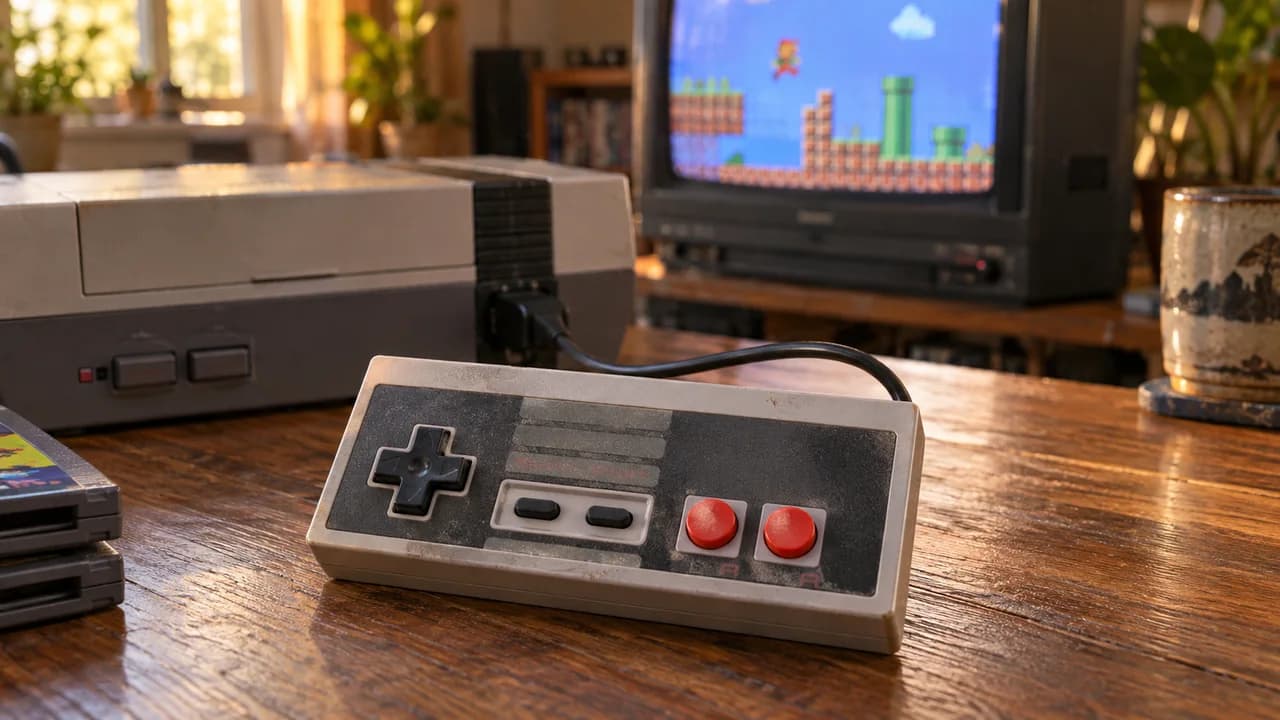
This is the most reliable option. Plug the controller into a USB port, open the game, and press any button on the pad once so the browser registers it. That single button press is the step people most often miss — browsers only "see" a controller after it sends its first input.
Connecting a wireless controller
Bluetooth pads from the major console makers pair like any other Bluetooth device through your operating system's settings. Once your computer lists it as connected, it behaves exactly like a wired pad in the browser. If it ever feels laggy, a wired connection always wins for timing-critical games.
On phones and tablets
Touch controls appear automatically on mobile, but they are no match for buttons in fast games. An inexpensive clip-on controller that grips your phone is the single best upgrade a mobile retro gamer can make, and most pair over Bluetooth in seconds.
Troubleshooting the usual suspects
If your controller is not responding: first, press a button to wake it — sleeping pads go unseen. Second, click into the game area so the browser has focus. Third, try a different USB port or re-pair the Bluetooth connection. Fourth, make sure no other app is "capturing" the controller in the background. Ninety percent of controller problems are one of these four, and all of them take seconds to fix.
Once you are set up, the difference is night and day. Go play a fast platformer or a fighting game with a real pad and you will never go back to the keyboard for those genres.