Explainers · 7 min read
How Retro Games Run in Your Browser
What happens when an old console game runs in a browser tab? Let’s take a look.
In this guide · 7 sections
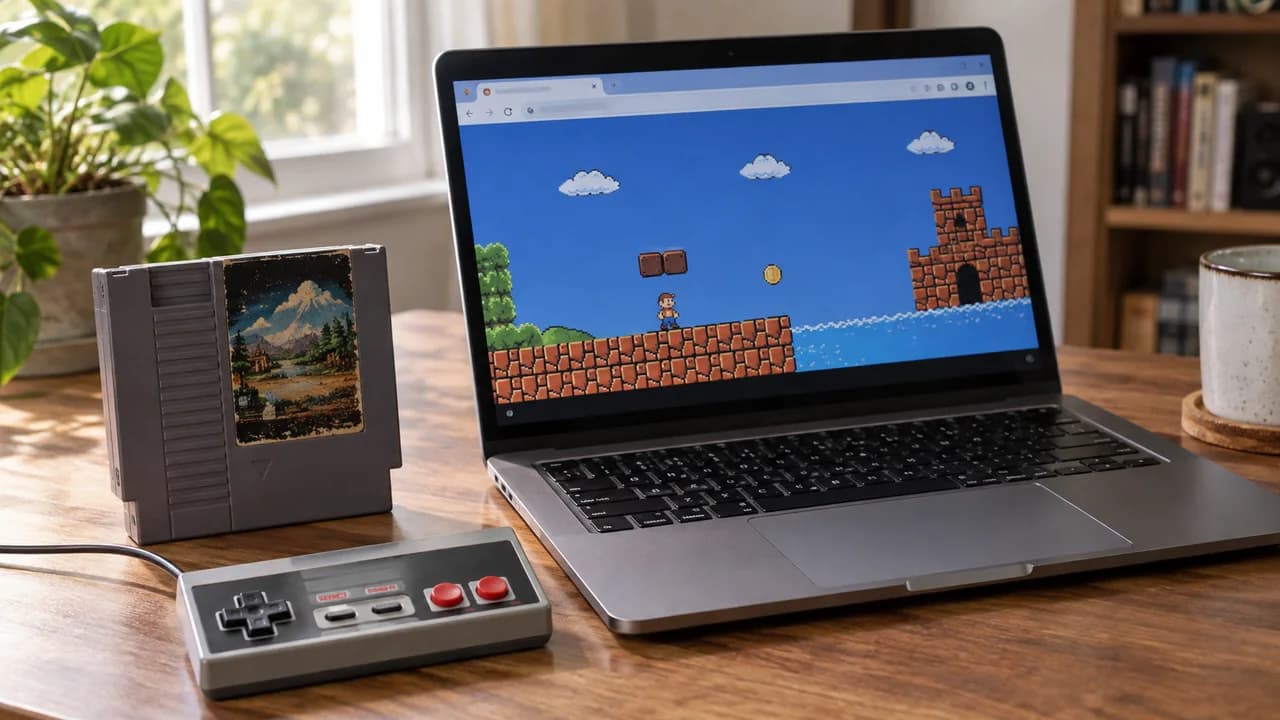
One of the most common questions I get is some version of: "How is this game running in my browser without me installing anything?" It feels like magic, but it is actually a stack of fairly understandable technologies working together. Here is the honest, plain-English version — no computer-science degree required.
An emulator is a translator, not a copy
A console like the NES or the Game Boy is just a specific combination of chips: a processor, a graphics unit, and a sound unit. An emulator is a program that pretends to be those chips. When a game says "draw this sprite here" in the language the original hardware understood, the emulator translates that instruction into something your modern device understands and shows you the result. It is a live translator standing between a 1989 game and a 2026 laptop.
Why this used to require a download
For most of emulation's history, that translator had to be a program you installed on your computer, because translating millions of hardware instructions per second is demanding work that needed direct access to your machine. Browsers simply were not fast enough to do it. That changed with a technology called WebAssembly.
WebAssembly: the piece that made it possible
WebAssembly (often shortened to "Wasm") lets a browser run code at near-native speed — close to what a desktop program achieves. Emulation projects took their existing, battle-tested emulator "cores" and compiled them to WebAssembly. The result is that the exact same translation engine that powered desktop emulators for years now runs inside a browser tab, fast enough to keep a game at full speed. That is the single breakthrough that turned "download this 40 MB program" into "click play."
What happens in the few seconds before a game starts
When you press Play on a game here, an embedded emulator from an independent third-party service loads in a frame on the page, and three things happen in quick succession. First, the emulation core — the WebAssembly translator — loads. Second, the game's data is streamed in so the core has something to run. Third, the core begins executing that data and pipes the picture to a canvas on the page and the sound to your speakers, while listening to your keyboard or gamepad for input. The whole handshake usually takes a couple of seconds, which is why you see a brief loading moment before the title screen appears.
Where the game data lives — and where it does not
This is the part people care about most, so I want to be precise. The emulation core runs in your browser's memory for the duration of your session. We do not install anything on your device (the embedded player may keep small amounts of data, such as saves, in your browser's storage), and when you close the tab, the running game is gone from memory. It is worth being clear about what this site is and is not: we are a catalog and a player front-end. We do not host or distribute game files, and our editorial work is the descriptions, histories, and guides you read around each game — not the games themselves.
Why some games run better than others
Simpler consoles are easier to translate. An NES or Game Boy game is light work for a modern device, so it runs flawlessly. As you move up to more complex systems with 3D graphics, the translation job gets heavier, and you may notice the difference on older phones or low-powered laptops. If a game ever feels sluggish, it is almost always because the device is working hard to translate a more demanding console in real time — closing other tabs usually helps more than anything else.
The short version
A modern browser, a fast translation engine compiled to WebAssembly, and a proven emulation core are doing in your tab what used to require a dedicated program. Understanding that turns the "magic" into something better: a genuinely clever bit of engineering that makes thirty years of gaming history one click away.