Guides · 6 min read
Your First Retro Game: A Browser Play Guide
Pick a game, learn the controls and get comfortable with saving your progress.
In this guide · 7 sections
If you have never played a classic console game in your browser before, welcome — you picked a good time to start. Everything is easier than it was even a few years ago. This guide assumes zero prior knowledge and walks you through everything you need to enjoy your first session and your hundredth.
Step one: just pick a game and press play
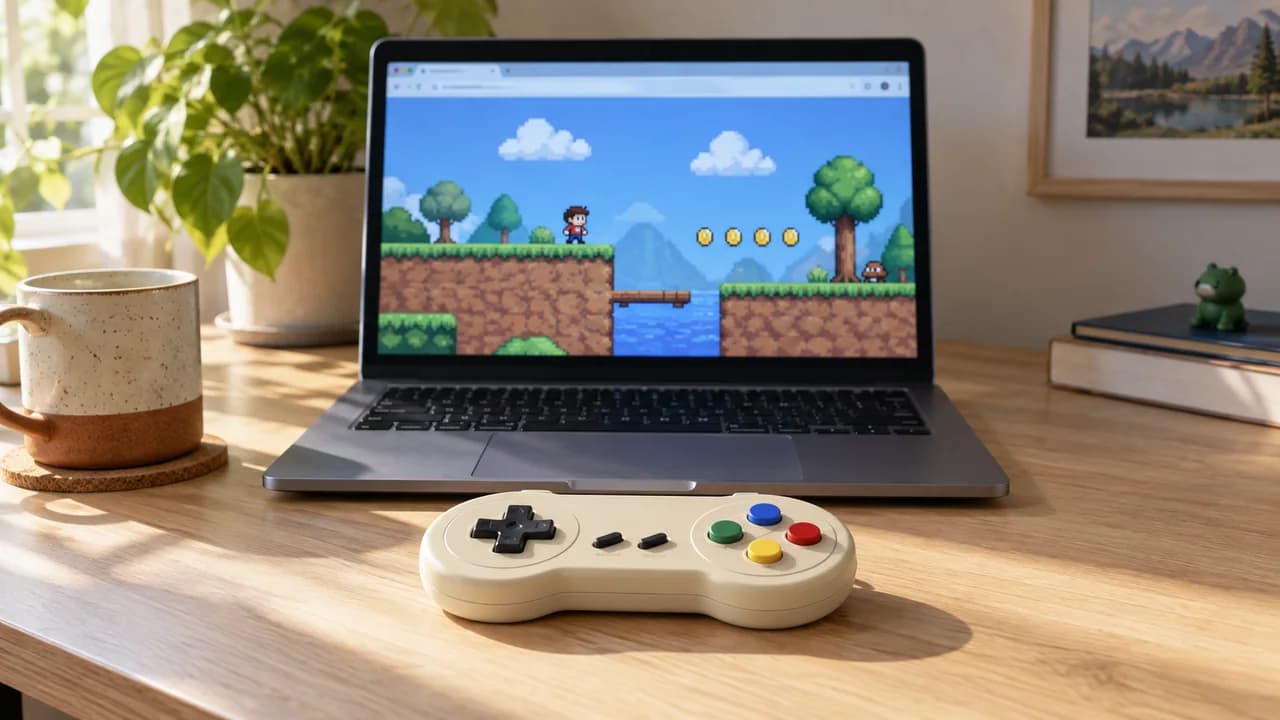
There is no account to create, nothing to install, and no settings to configure before you begin. Browse by console or search for a title you remember, open its page, and press the play button. After a short loading moment, the game boots exactly as it would have on the original hardware. That is genuinely the whole setup.
Learning the controls
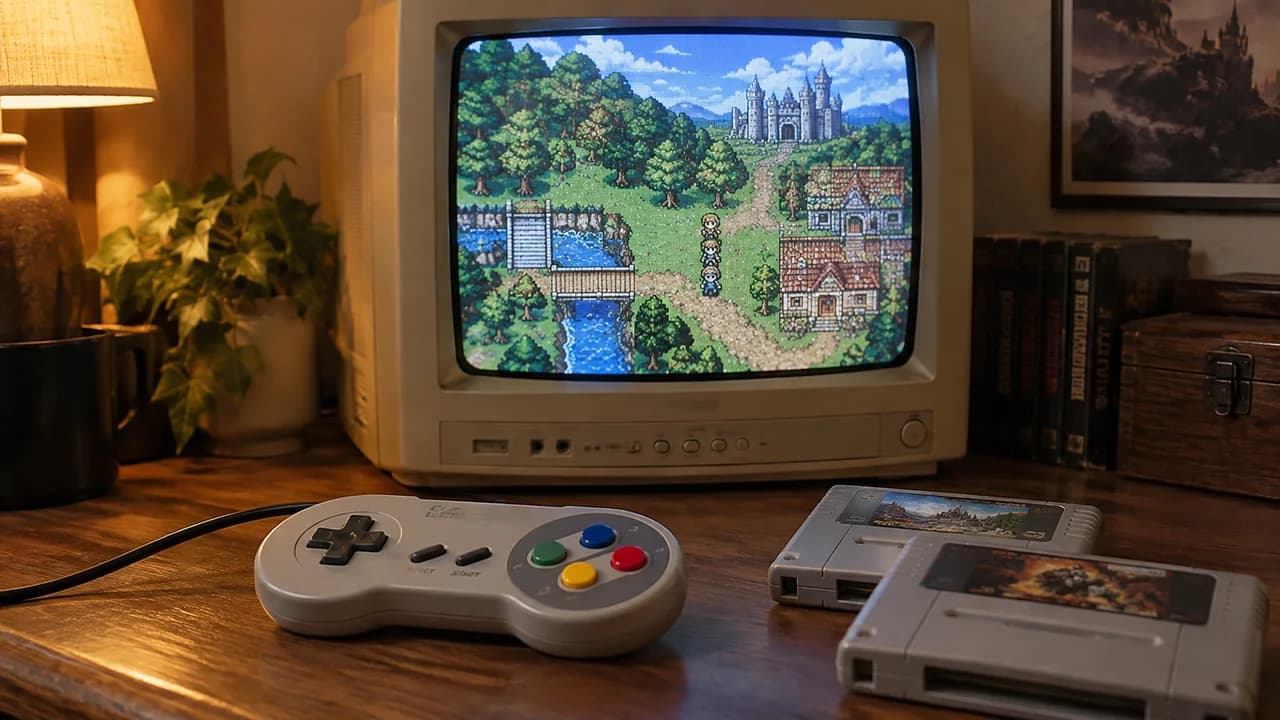
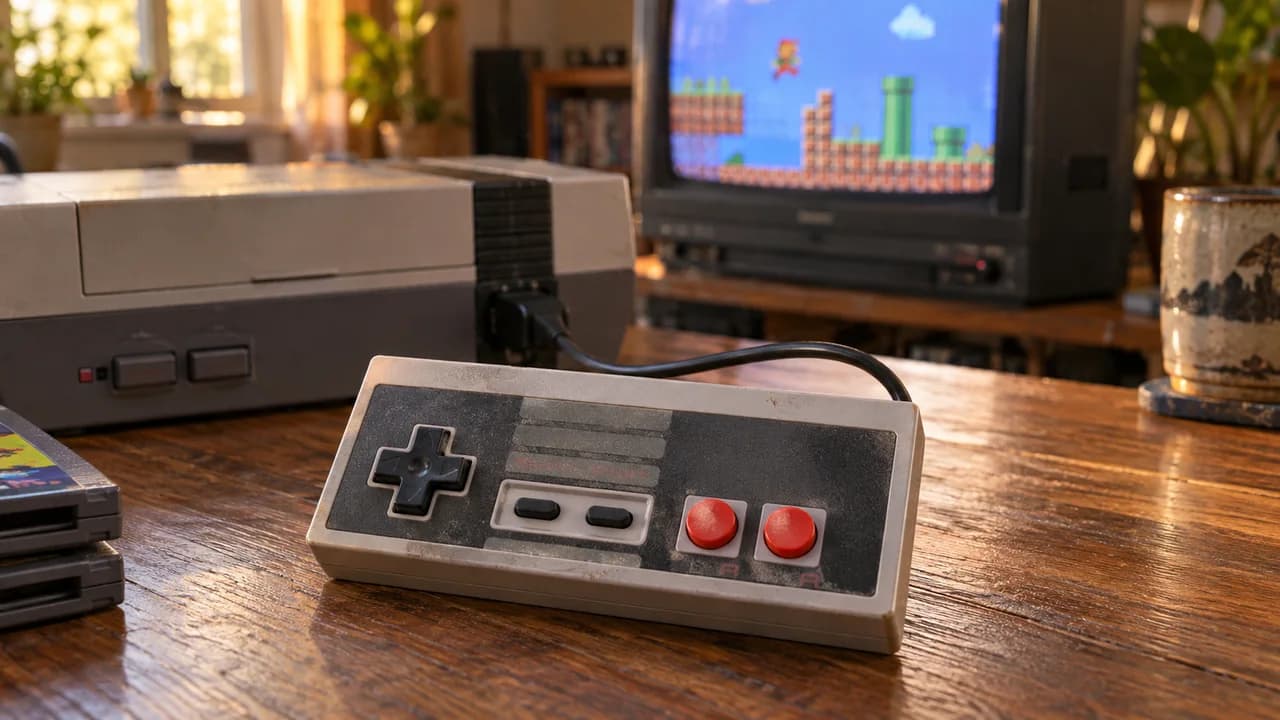
On a desktop or laptop, your keyboard becomes the controller. The arrow keys handle movement, and a small cluster of nearby keys map to the console's buttons — almost every game page on this site lists its control scheme, so you never have to guess. The two tips that help newcomers most: take thirty seconds to glance at the control list before you start, and if you have a USB or Bluetooth gamepad, plug it in — most modern browsers will detect it automatically and the experience instantly feels authentic.
On a phone or tablet
Touch controls appear on screen for mobile play. They work well for most 2D games, though fast action titles are always more comfortable with a physical gamepad. If you play a lot on your phone, an inexpensive clip-on controller is the single best upgrade you can make.
Saving your progress
This trips up a lot of newcomers, so here is the key thing to understand: older consoles handled saving in two different ways. Some cartridges had a battery inside that saved your game; others expected you to write down a password or simply finish in one sitting. Games that supported in-game saving will still offer it from their own menus. For everything else, the golden rule is simple — finish what you start in one session, or note where you are before you close the tab.
The best games to start with
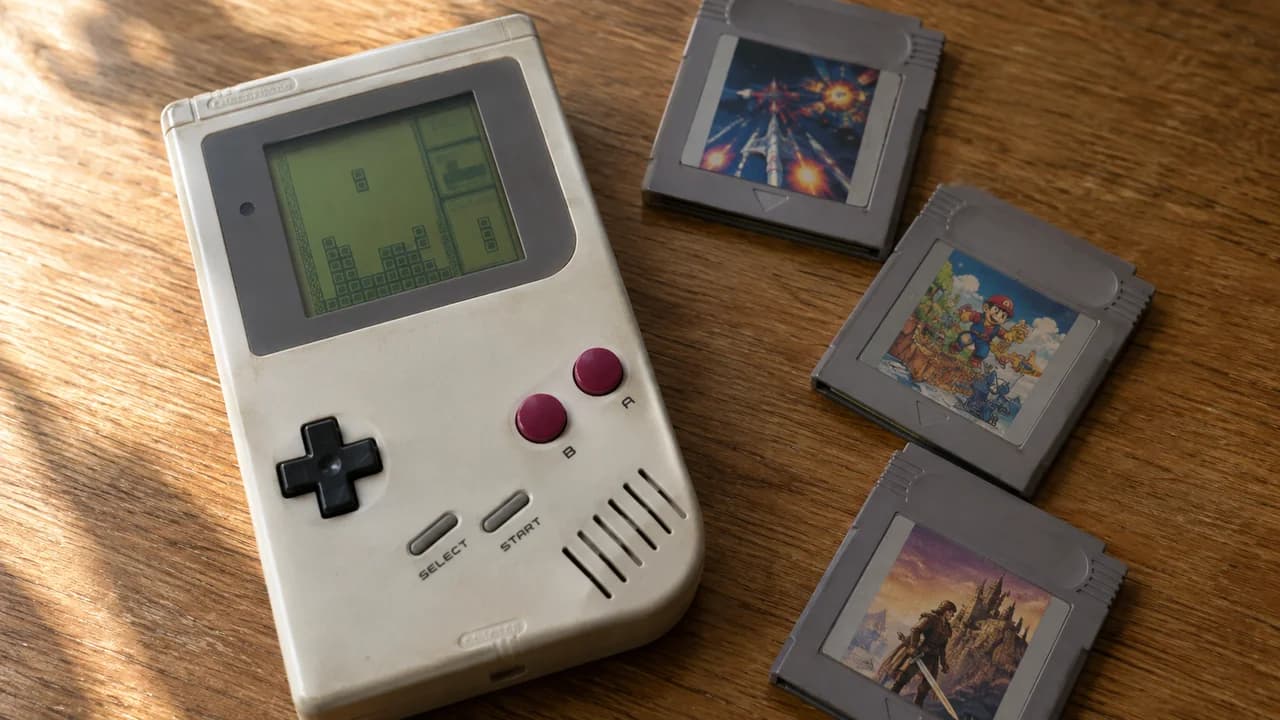
If you are not sure where to begin, do not start with the hardest or most famous game you can think of. Start with something designed to be approachable. For platformers, Kirby's Adventure is about as friendly as a masterpiece gets. For puzzles, Tetris needs no explanation. For a taste of adventure, DuckTales packs exploration into bite-sized stages. Play one of those for twenty minutes and you will understand instantly why these games have lasted.
Getting the smoothest experience
Performance problems are almost always caused by your device being busy, not by the game. If anything stutters, close other browser tabs first — that fixes it ninety percent of the time. Use an up-to-date browser, and for the most demanding consoles, a computer will always outperform a phone. Simpler systems like the NES, Game Boy, and Genesis run perfectly on practically anything.
Where to go next
Once you are comfortable, the best thing about a deep catalog is wandering through it. Browse a console you never owned as a kid. Read the history on a game's page before you play it. The whole point of keeping these games alive and one click away is that exploring them should be effortless — so explore. If you want a curated place to begin, our ranked best-of lists are built exactly for that.